
.png)
Your style guide has always been infrastructure: part of the system that scales consistency and voice. Now it has a second audience.
Style guides have always been about scaling consistency and voice across people.
Now that AI agents are drafting and shipping real product text, style guides are also the primary interface for instructing those agents.
Style guides now serve two very different “readers” – one who builds their intuition, and one who follows instructions literally. So how do we create style guides that work for both humans AND agents?
Some things remain the same. Style guides must be concrete enough to act on, yet abstract enough to cover novel situations. Principles and rules work together when you can’t anticipate or codify every scenario.
Most style guides benefit from a high-level structure along these lines:
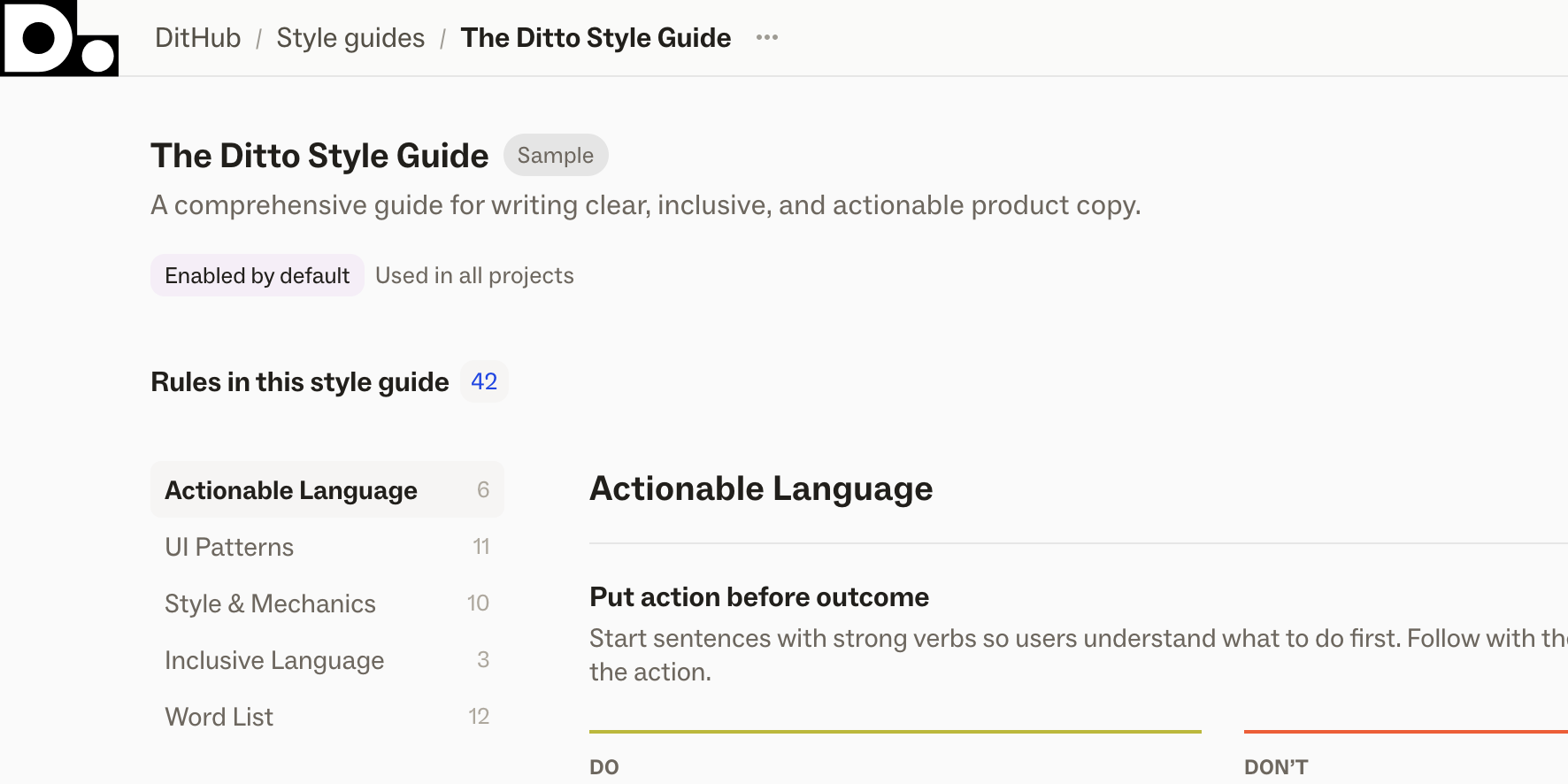
Agents and humans navigate this structure differently. A human might internalize the foundations and then spend most of their time referencing the UI patterns and mechanical rules. An agent re-reads every layer from scratch each session, meaning gaps in your foundations will be reflected in every piece of text it generates.
Rather than thinking about style guides as a form of documentation, think about it as teaching material.
Don’t just say what to do, say why it matters
“Use sentence case” is a rule. “Use sentence case, because title case feels formal and creates visual noise in a product that’s trying to feel approachable” is a lesson.
Reasoning helps a reader (human or agent) make the right call in situations the rule doesn’t anticipate. Without the “why,” you get theoretically compliant copy that misses the point, creating more work for all the humans in the review loop.
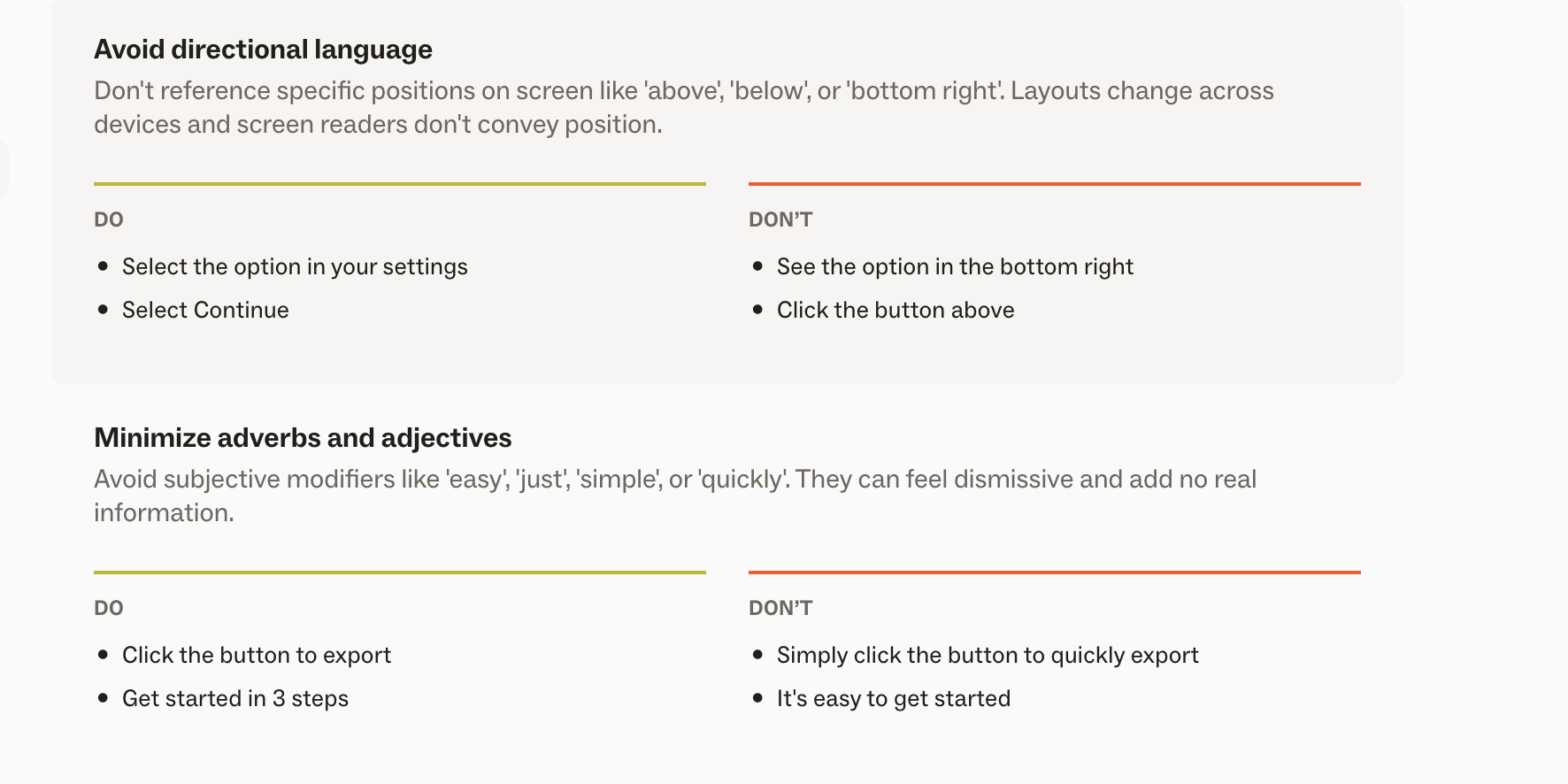
Capture examples that reflect on what works and what doesn’t
Before and after pairs with annotations to explain the distinctions.
Annotations often matter more than the examples, because they surface contextual criteria.
Explain specifically why something that’s wrong fails the principle; explain what makes something work so that reasoning is transferable.
For humans: internalization over time
Humans read the style guide, apply it, get it wrong from time to time, and build their intuition.
A teaching mindset helps this because it’s intentional about building understanding and reasoning rather than just memorizing rules.
Eventually, humans can extrapolate what they’ve learned to new situations, which is the whole point of a guide intended to scale consistency and voice across people.
For agents: surfacing implicit knowledge
Agents don’t build their intuition across sessions. Each session starts fresh (even if referencing the same artifacts).
The value of a teaching approach for agents isn’t about teaching the agent, but in forcing you to articulate things otherwise left implicit and unsaid. Experienced content designers and writers apply a deep well of tacit knowledge: “we’d never say it this way,” or “there’s a better best practice for UI copy in this context.”
A teaching mindset helps draw out that tacit knowledge. If you can’t explain it, the agent can’t reliably infer it.
Humans reading a style guide bring their own interpretation and subjectivity to when a rule applies or doesn’t.
Agents bring certainty: they will apply guidance confidently whether or not it fits the situation.
Contradictions and context hierarchies
Style guides always have internal tensions: “Be concise” vs. “Be conversational.”
Humans can navigate these contradictions intuitively. Agents need an explicit context hierarchy – which principles and rules win when two conflict?
For example: “Be concise” and “Be conversational” will conflict in an empty state message. A concise version might say “No results found.” A conversational version might say “We couldn’t find any matches. Try adjusting your filters.” A human writer applies their judgement. An agent needs you to specify: in empty states, conversational wins over concise, because these are moments where the user might feel stuck and a warmer tone can reduce frustration.
Ditto’s Magic Draft builds on a layered context hierarchy that helps the agent decide which rules wins out based on specific situational context.
Without a hierarchy, an agent is likely to pick rules arbitrarily or try and apply it all at once.
Gotchas: Types of rules that are safe for humans but dangerous for agents
“Make the next step obvious”
“Focus on user benefits over product features”
Terminology swaps that look simple but aren’t: “Use X instead of Y”
Your style guide has always been infrastructure: part of the system that scales consistency and voice across people. Now it has a second audience.
The good news is that the work is the same in both directions. When you explain why a rule exists, humans internalize it faster and agents apply it more reliably. When you spell out contexts for when terms apply or don’t, it’s not dumbing it down, but rather surfacing knowledge that was always there, just not written down.
Start by auditing for assumed-judgement risks: rules that are safe for humans with their judgement, but dangerous for an agent that will apply them literally and confidently. These are the highest-leverage changes, because they’re places where implicit knowledge is doing the most work.
And like any infrastructure, integration and maintenance matters. Your product will grow and change, but your agents will keep following the old guidance and outdated styleguides.md with full confidence. Build review cycles into the system to keep the whole system trustworthy as the work (and the mistakes) grow.
We've been thinking about all of this while building Ditto's latest style guide updates — custom sections, layered context, better editorial presentation, full integration with Ditto’s MCP.