

Check out what's new this month: GitHub review bot, Ditto MCP, and more. Plus, an exciting announcement for localization workflows...
We've all been navigating some big shifts in how product teams operate. AI tools are changing how we work, roles are shifting (or combining), and everyone is moving closer to the codebase. At Ditto, we've been hard at work building the right solutions for product copy, in these new ways of working. Because while these shifting workflows have unlocked new levels of speed, that doesn't mean quality standards can slip, and shipping the right words is more important than ever.
Let's do a deep dive on everything we've shipped this month, now available in all Ditto workspaces.
Localization is a core part of a comprehensive product copy workflow. Run your full localization workflow, with built-in AI-native translation and review capabilities, inside every Ditto project.
Bring localization into one centralized copy system, with the power of an AI companion to manage translations, enforce locale-specific style guides, and get to final, faster.
Tired of disjointed translation workflows? Get a custom demo of what we’re building.
Bring Ditto to your product team’s GitHub repo.
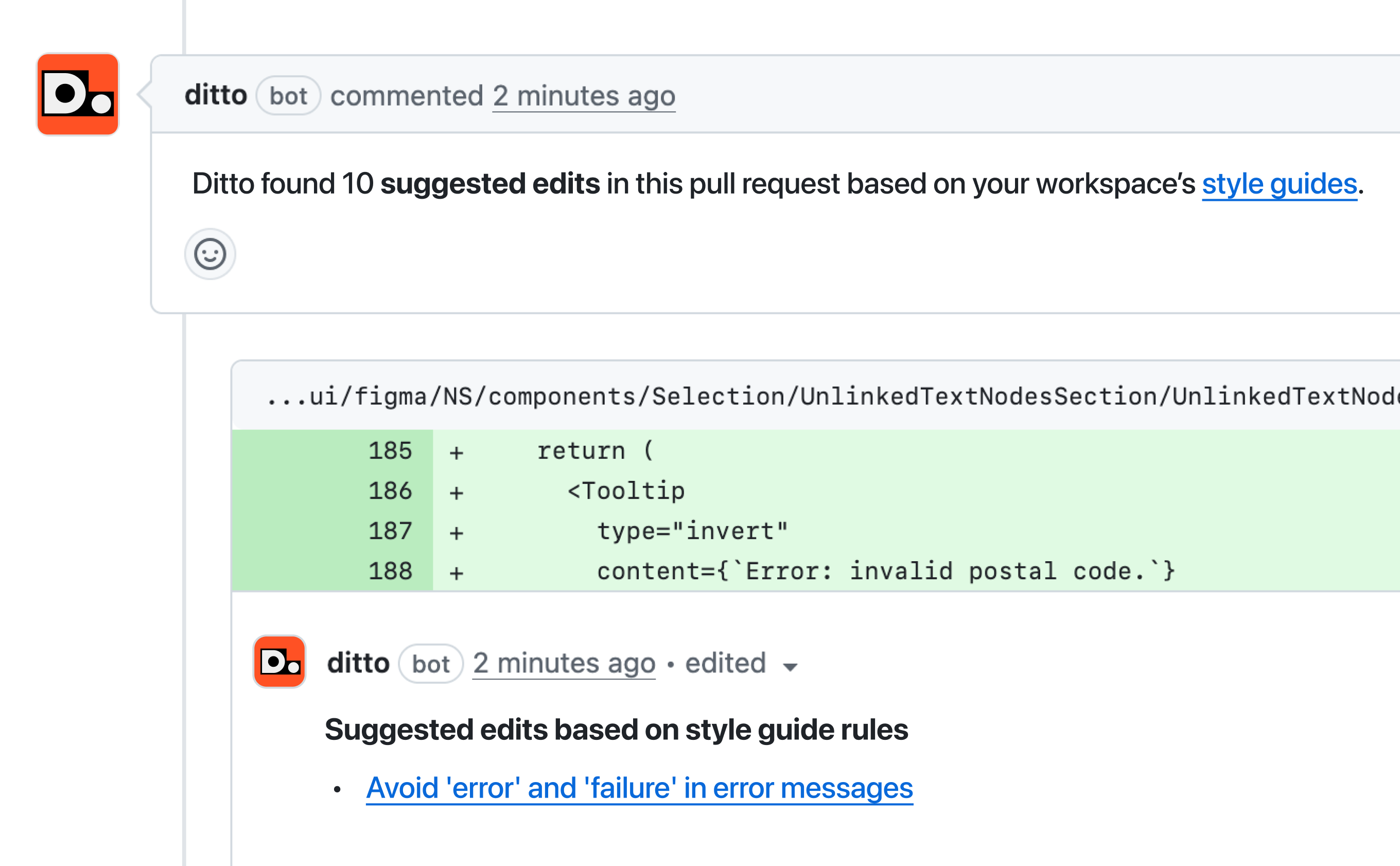
The new Ditto PR review bot automatically reviews pull requests and checks the strings before they ship. Ditto will check strings against your style guide rules, surface existing library component text to reuse, and post suggestions as a comment directly in the PR.
Bring copy governance to the engineer's workflow — not a separate review step. Catch inconsistencies and opportunities for reuse, at the exact moment a string is introduced, and before anything ships.
Read more about the beta, and get onboarded.
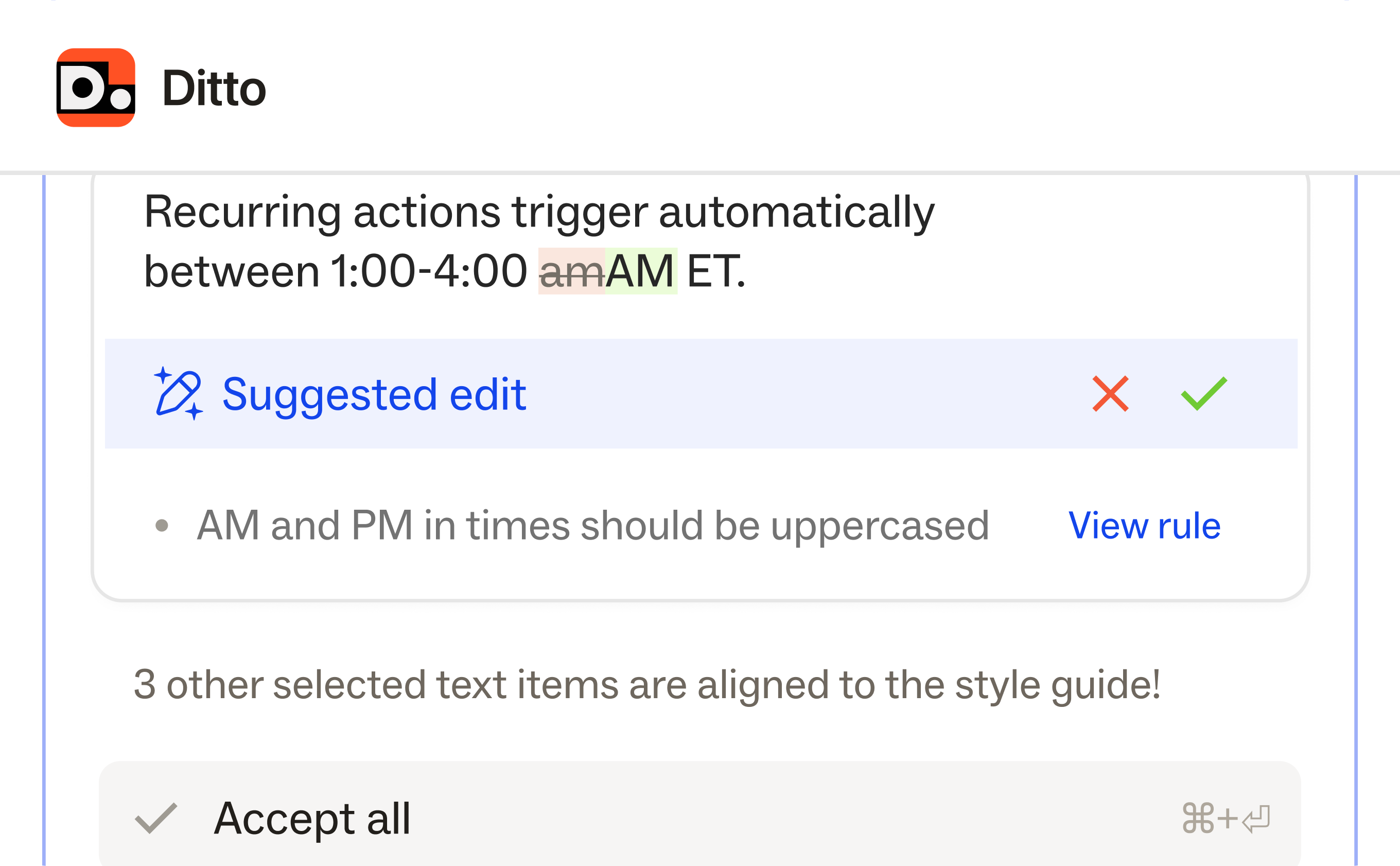
Run a bulk style guide check across your selection, right from the Ditto plugin, using the "Check against style guide" quick action.
Ditto will review all the text items you’ve selected against your workspace style guides, flag any inconsistencies, and list the specific rules right inline — with a direct link to view and navigate to each rule.
Now, you can review individual text items, or enforce your copy style guides in bulk.
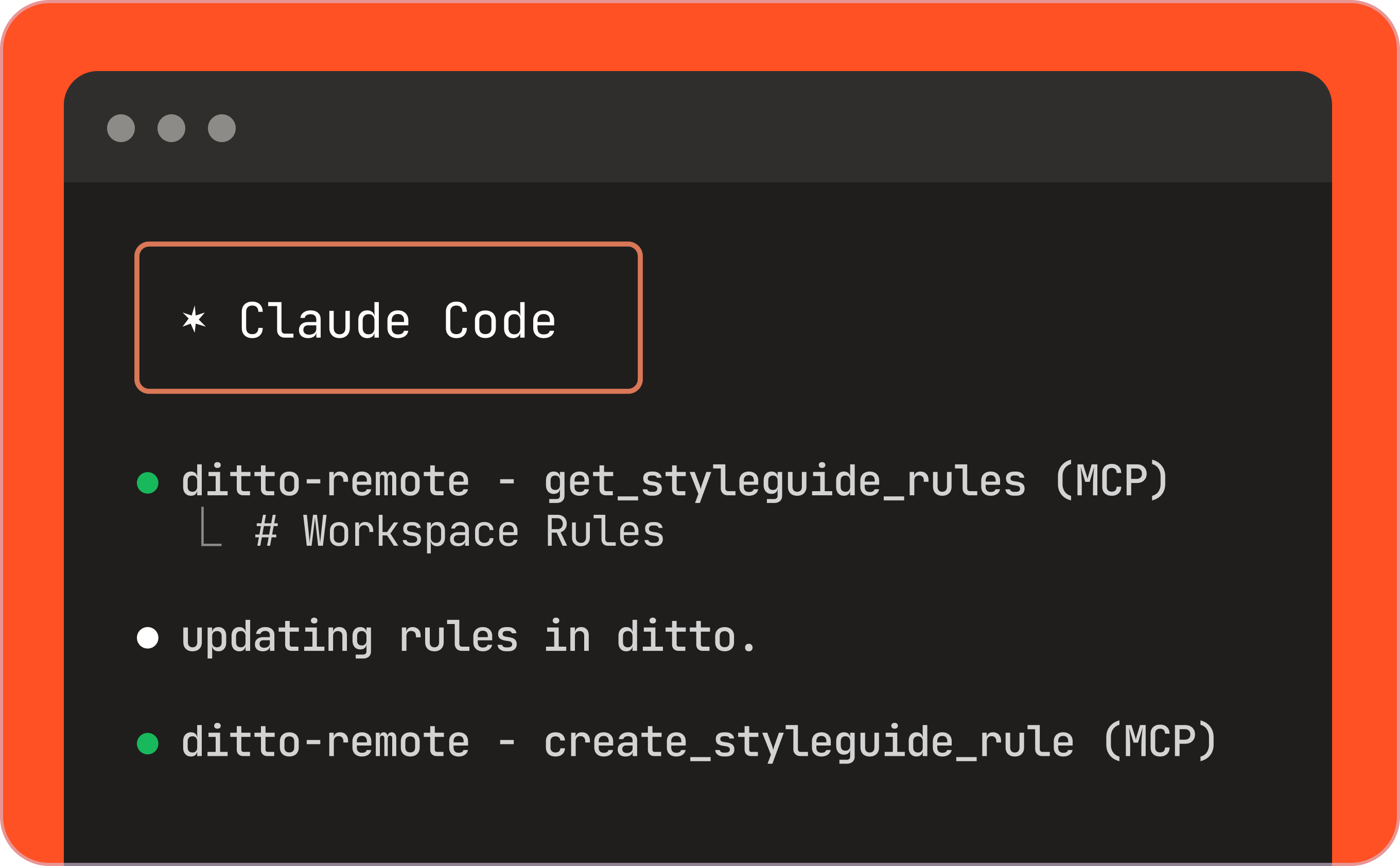
The Ditto MCP connects Ditto to Claude Code, Cursor, and any MCP-compatible agentic tool. When an AI agent writes UI copy, it drafts from your style guide, checks existing strings for reuse, and flags anything that doesn't align.
What agents can do:
… all from right within your AI tool of choice.
Read the Ditto MCP documentation for step-by-step setup instructions.
Learn more about how to bring Ditto to your AI workflows.
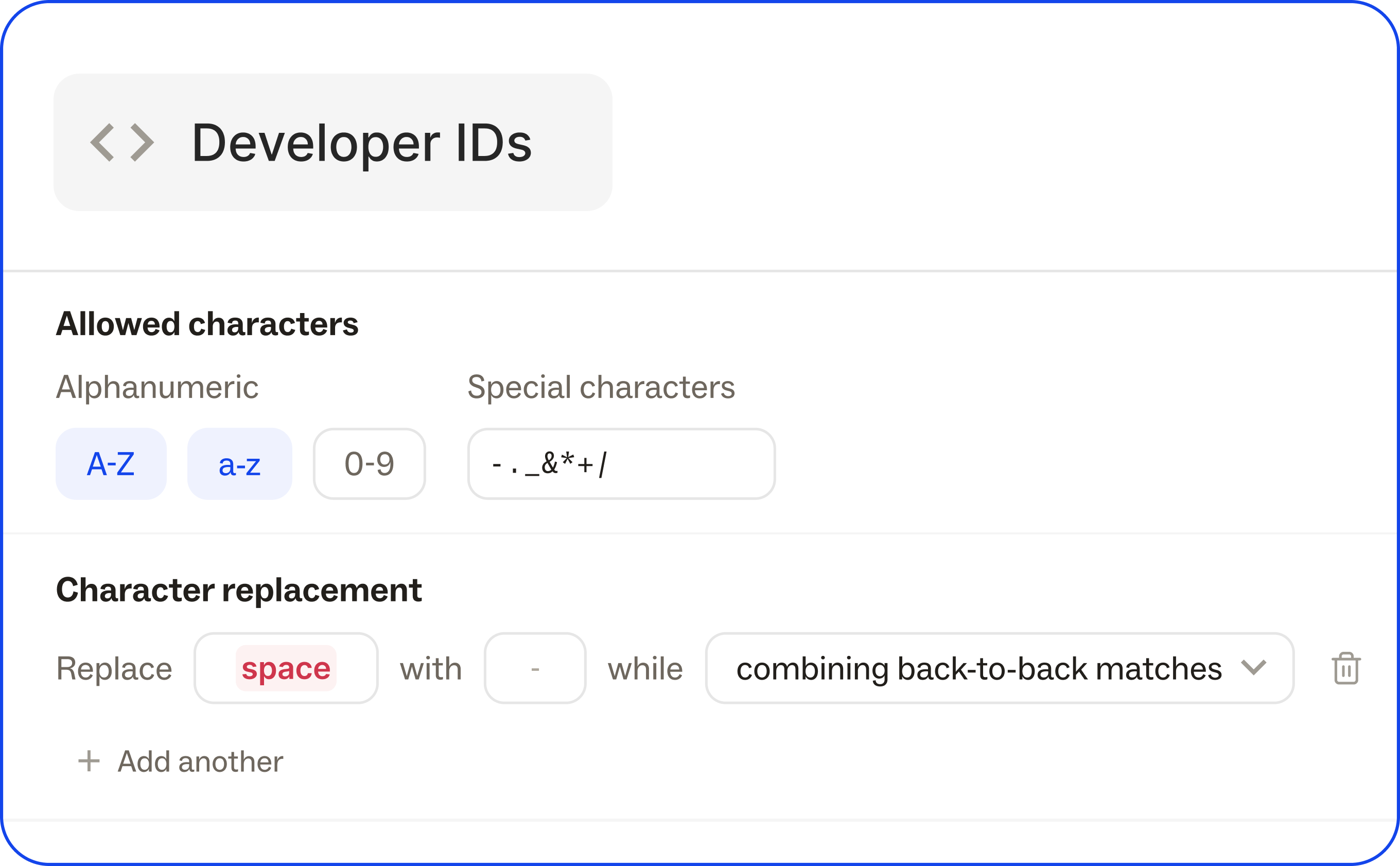
Define how developer IDs are generated across the workspace — separating the format rules from the IDs themselves.
Define Dev ID characters and casing, set up universal character replacements, and set character limits, to enforce consistent ID formats with a system to generate correctly from the start.
Head to the Developers page in the Ditto web app to configure Dev IDs.
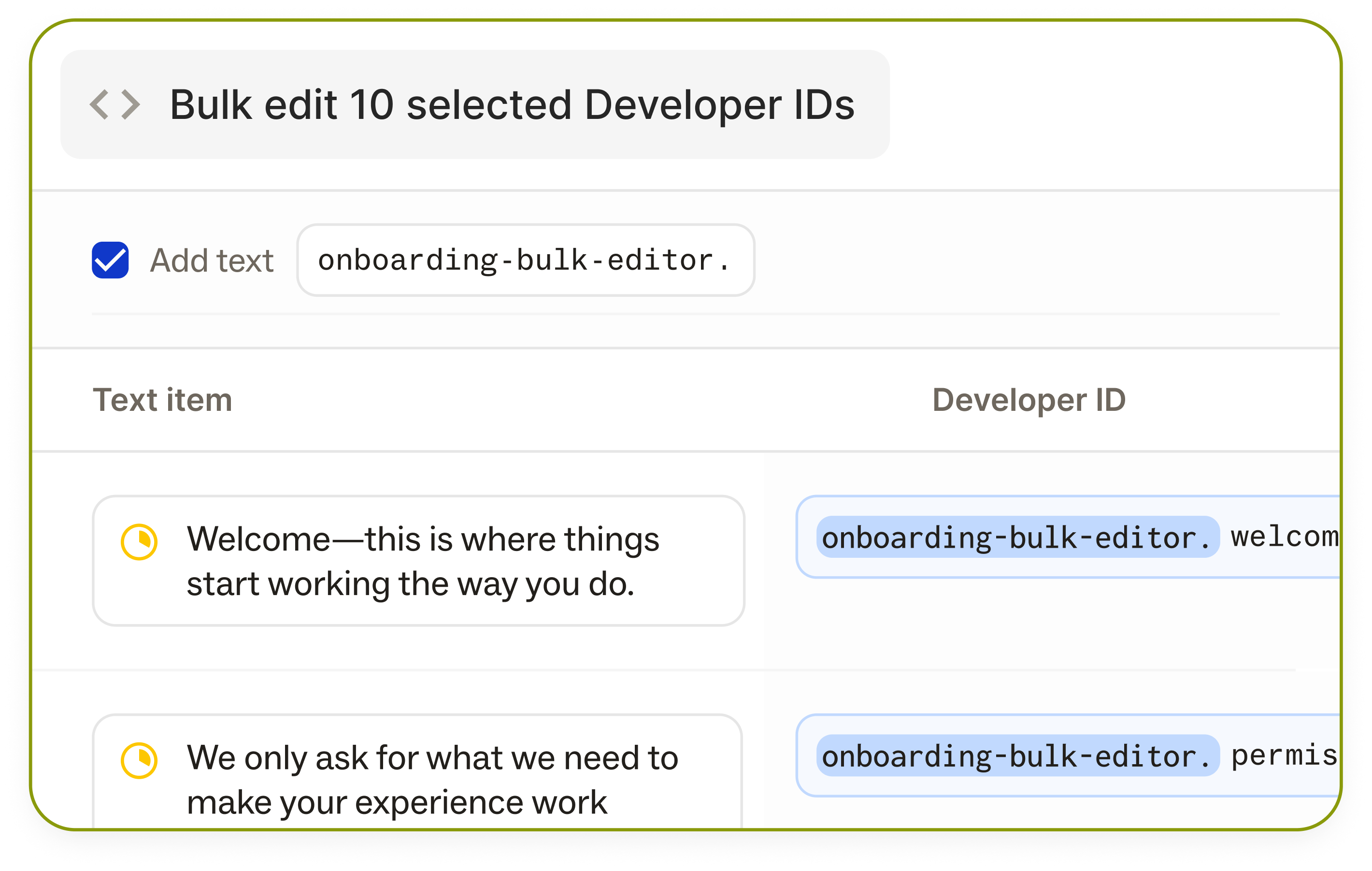
Multi-select text items or library components, and edit developer IDs in bulk with a new UI in the Ditto web app. See multiple Dev IDs from one screen, edit all of them at once with a prefix field entry, set bulk character limits, or add a prefix to all fields.
This makes it easy to work through edits quickly, across project areas or specific features, without being bound by workspace-level configuration.
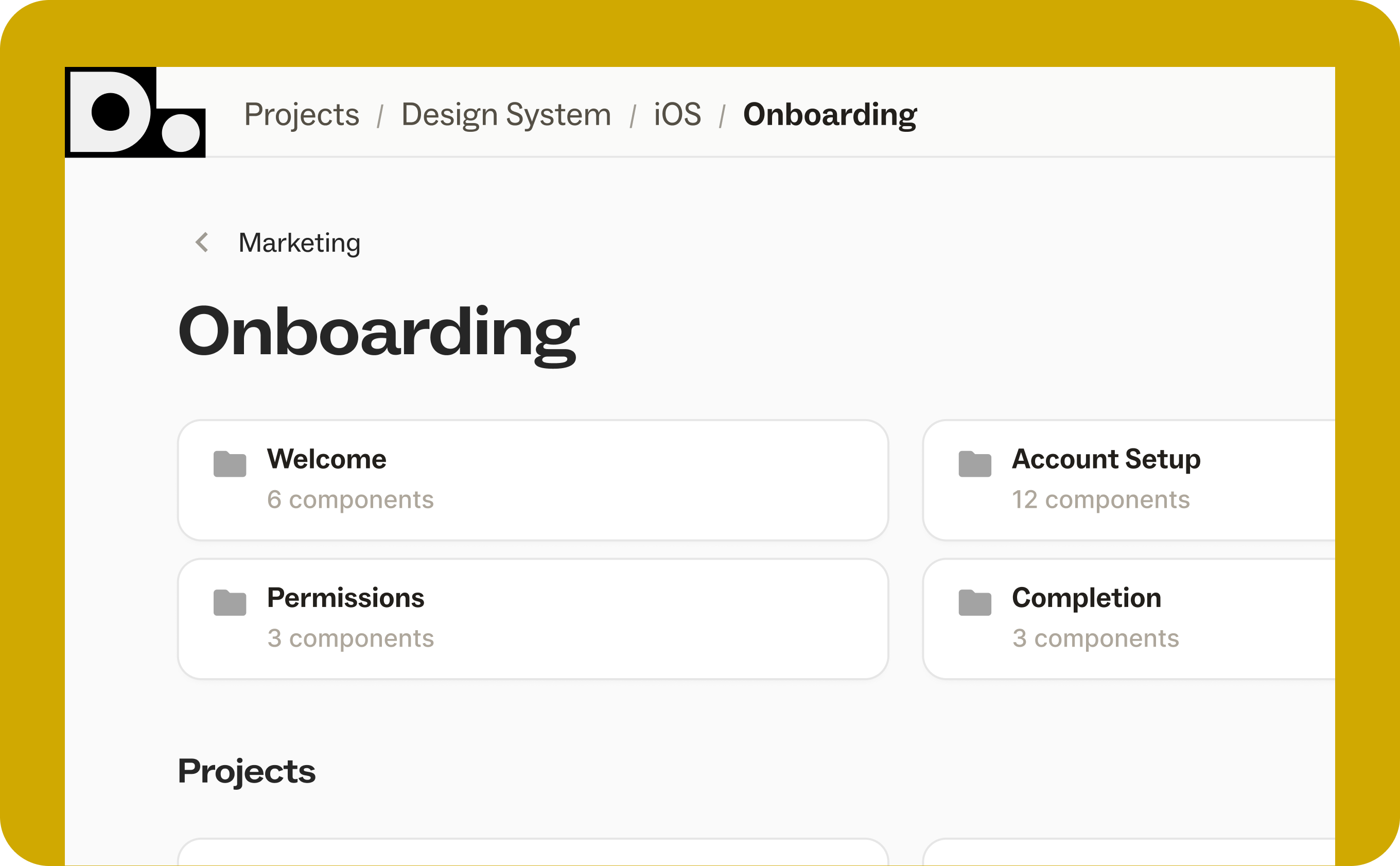
Organize projects into nested folder hierarchies. Create, rename, move, and drag-and-drop folders. Breadcrumbs keep you oriented. Permissions inherit from root folders automatically.
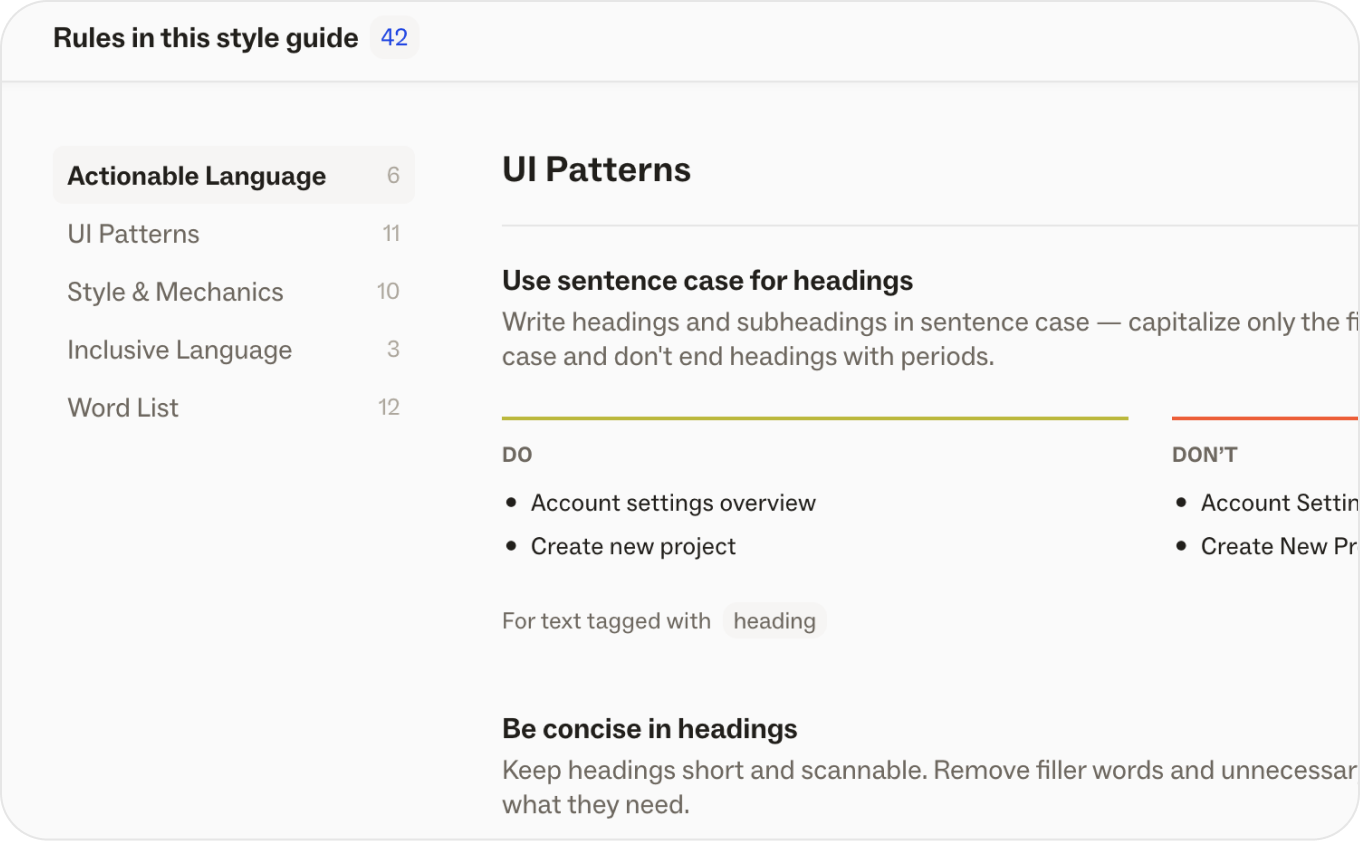
Ditto's Style Guides have gotten easier to create, review, and manage. New Style Guide UI makes it easier to build out rules, now with all examples easy to scan from one view.
New customizable sections makes it easy for your Ditto Style Guide to match the content structure in any former style guides. The new structure also offers better support for word lists and terminology.
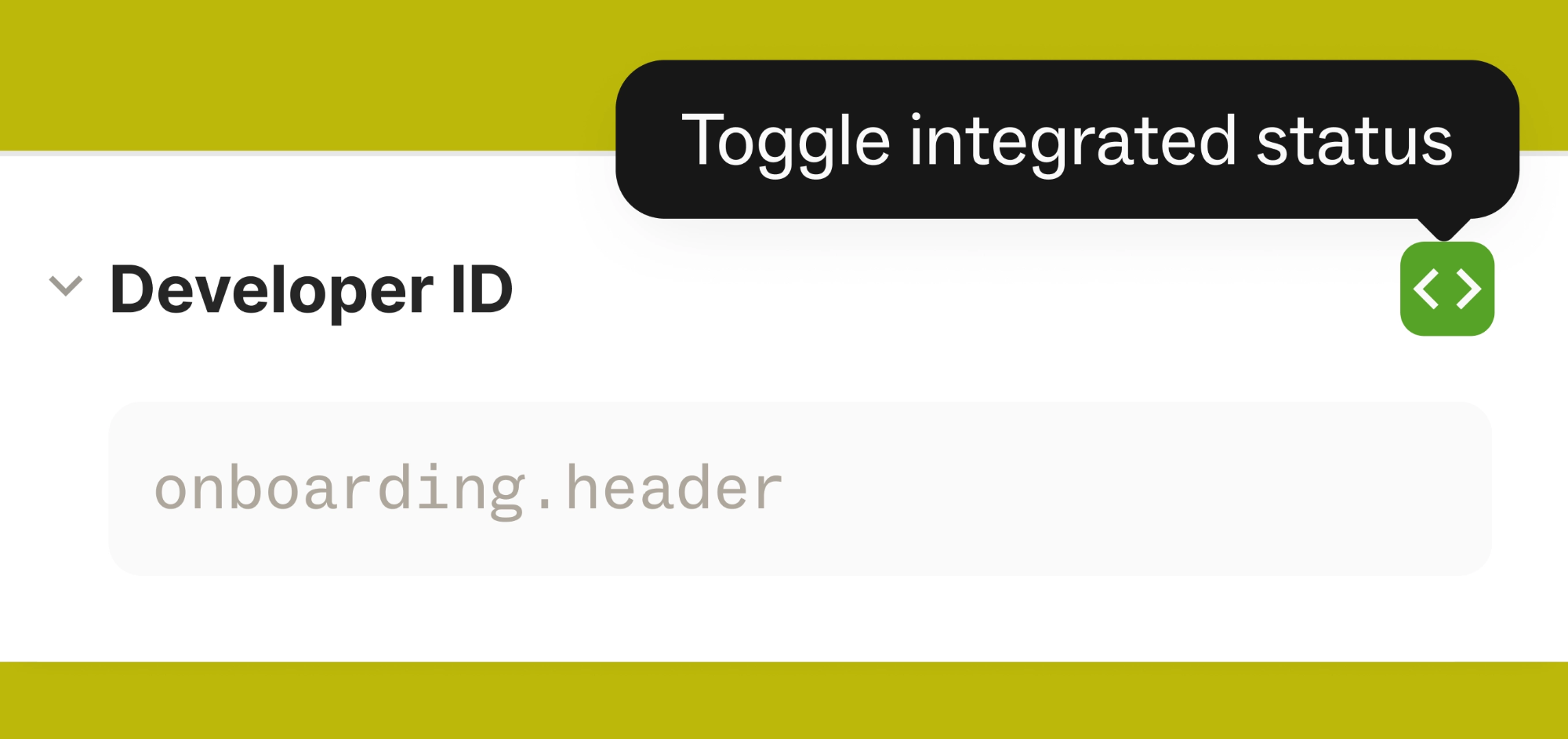
Text items can now be toggled as Integrated, to distinguish which copy is integrated into code.
Then, you can search or filter the copy in your workspace by the Integrated flag, to easily manage and work on only live copy.
You can also use this tag in your webhook integrations, or run an API pull with it.
Users with comment-only access can now submit suggested edits on text items in Ditto. They can switch to suggesting mode, and accept any existing suggestions, but those accepts will stay as a suggestion rather than being directly applied.
When you're viewing a project with a variant selected, search and filters will now match against that variant's text — not the base copy. This should make Ditto’s search functionality much more useful for localization projects.

We've been shipping a lot of updates to our API as we've seen teams deepen their integration with Ditto, making product copy workflows more flexible and more connected.
Plurals field added to text items and componentsIntegrated.json ICU, .json Vue I18n, iOS .strings, .stringsdict, and .xml via the new GET /v2/textItems/export and GET /v2/textItems/export endpointsSee all recent API changes in our developer changelog →
Check out a few notable newcomers to the Ditto blog.
From writing words to designing systems: The future role of the content designer. Hear from Chrisi Webster, Sr. Content Designer at Checkout.com, as she shares how her role has shifted in the past year, and how you can shift, too.
From Four Months to Four Hours: How Convatec Built a Content System to Manage Complex Reviews. Read how Convatec built a cross-functional review workflow to shorten copy workflows from months to hours.
We've been busy building, and we're not slowing down any time soon.
Keep an eye on Ditto’s blog, release notes, roadmap, and socials for some exciting announcements coming very soon, and grab some time with our team if you want a sneak preview of what’s coming!
.png)