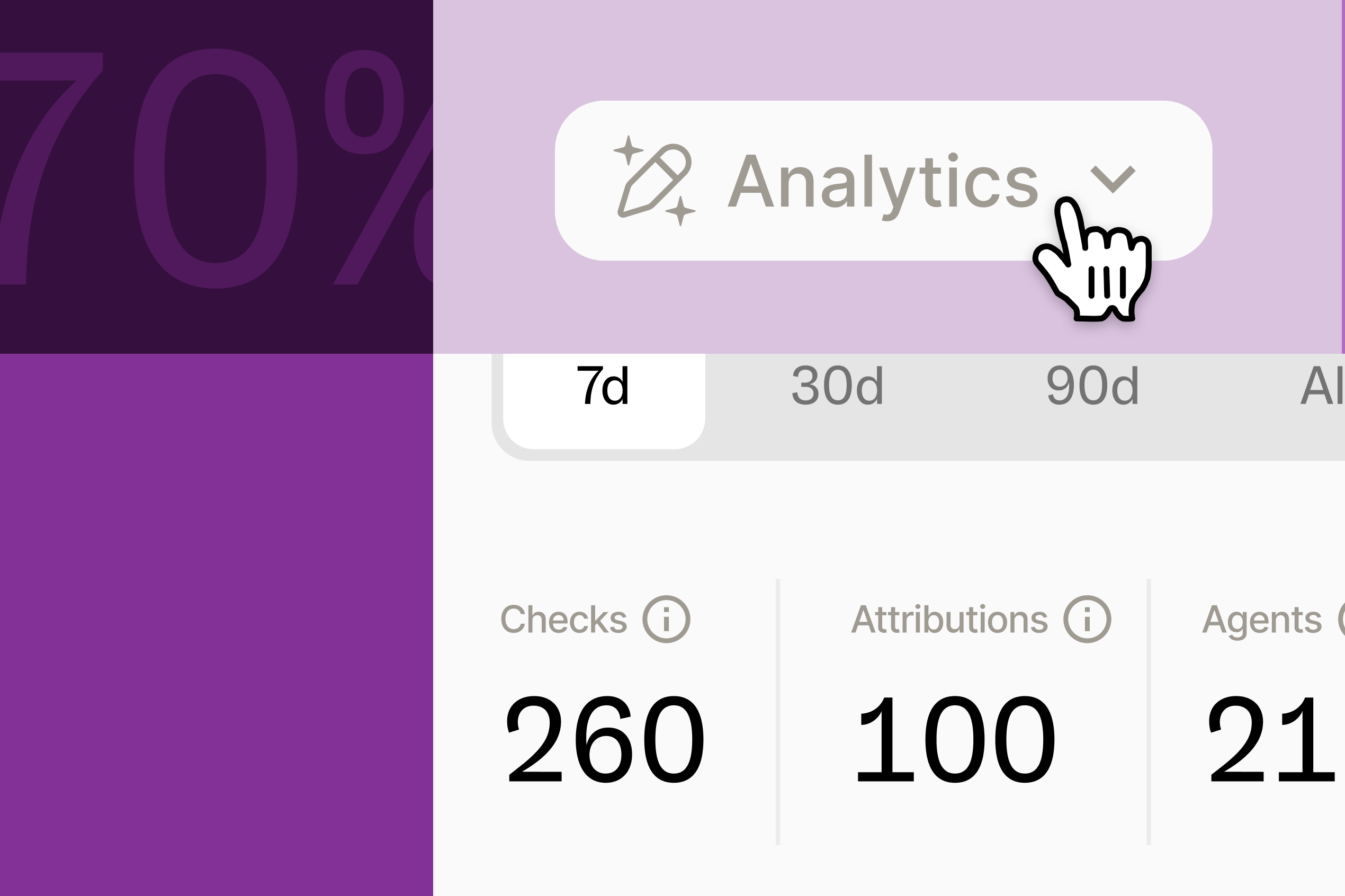
Collibra's two-person UX writing team used the Ditto MCP to audit 2,700 UI strings against their style guide in a single day — catching 130 issues and shipping 12+ fixes so far.
Company: Collibra
Interviewee: Domi Sinclair, UX Writing Manager
Team: Two writers, supporting roughly 50 designers across a complex, multi-product platform
Primary use case: Auditing existing product copy against the Ditto style guide via the Ditto MCP
Headline result: ~2,700 UI strings audited, ~130 issues identified, 12+ fixes shipped so far
Before the Ditto MCP, auditing any new copy at Collibra meant spinning up a test environment with every product live, then manually clicking through every happy and unhappy path to find errors. For a two-person content team covering a disjointed, multi-product suite, that wasn't a slow process — it was close to an impossible one.
"We were so busy just having to correct the little things: you need to use US spelling, you need to change the date formatting, title case, you've used the wrong verb, all those little things. We were doing so much of that, we couldn't ever dive deeper." — Domi Sinclair, UX Writing Manager
A capacity-strapped UX writing team was using manual effort and manpower to fix what they could, and hoping that nothing too glaring made it to production. Then, they started working alongside Ditto and using the Ditto MCP.
Domi's team uses Ditto differently depending on when they get pulled into a project. Drafting from the start still happens in the Figma plugin. But when there's no Figma file to check against at all — cases like a Jira ticket where an engineer or PM has proposed a copy change, or a review of text that's never been touched by UX writing — she reaches for the MCP, run through Claude.
She's also tested pointing Claude at a Figma file to scan several screens at once, which makes it easier to review in bulk, in minutes. Ditto's Figma plugin is still Domi's go-to for drafting alongside the design team. The Ditto MCP has helped her scale her work.
A style guide audit of Collibra's product copy reviewed roughly 2,700 UI strings and identified around 130 areas for improvement — everything from casing conventions, to terminology consistency, to error message clarity. Over a dozen fixes have already shipped, with the rest prioritized and moving through the queue.
The audit itself produces the metric Domi says is hardest to get in UX writing: a before-and-after number. "It can be so hard to quantify anything around UX writing," she says. "We found these, and we fixed them all, in a day."
Beyond the hard numbers, Domi and her team are spending less time spot-checking and more time on work that actually shapes the product.
"It's allowing us to work, do more of a system-thinking approach and be more proactive rather than reactive. That's something we've been trying to do for years, but it's finally happening, and the Ditto MCP is a big part of that." — Domi Sinclair, UX Writing Manager
Faster reviews changed who comes to her team, and when.
"There's two of us, and there's 50 of you. That math didn't work before. Whereas now, the math does work a bit better — I can weigh in on more projects, and be a better collaborator." — Domi Sinclair, UX Writing Manager
Today, the MCP is mostly historical cleanup and pre-release checks against existing standards — not yet wired into engineering's workflow. Domi's next target is scaling it past the UX writing team, and she's already talking to her engineering counterparts about CLI and code-based options to get there.
"We still need words to communicate, whether you're using a traditional UI or you're just talking with an AI," she says. "It still needs to put content out there. It still needs to draw that content from somewhere. I think it's still super important."