We've made almost everything you can do as a user in Ditto accessible through the MCP. Here's what that looks like in practice.
91% of designers now use AI every week. Half have already shipped AI-generated code to production. And as teams come to rely on it, it becomes even more crucial to get the right context into and out of these agent sessions to make sure everyone’s individual output matches the company-wide standards and expectations.
We built the first version of Ditto MCP to make your style guide and your copy library reachable from inside your AI workflow. And now, we’re taking it even further.
Because reachable isn't the same as usable. And the context that lives in Ditto is only as good as the decisions made from it. Now, we've made almost everything you can do as a user in Ditto accessible through the MCP. Now, when you're building product alongside an agent, that agent can work alongside and inside Ditto: Use the system you already built. Refine it as it goes. Add to it as it works.
An agent connected to Ditto MCP can now:
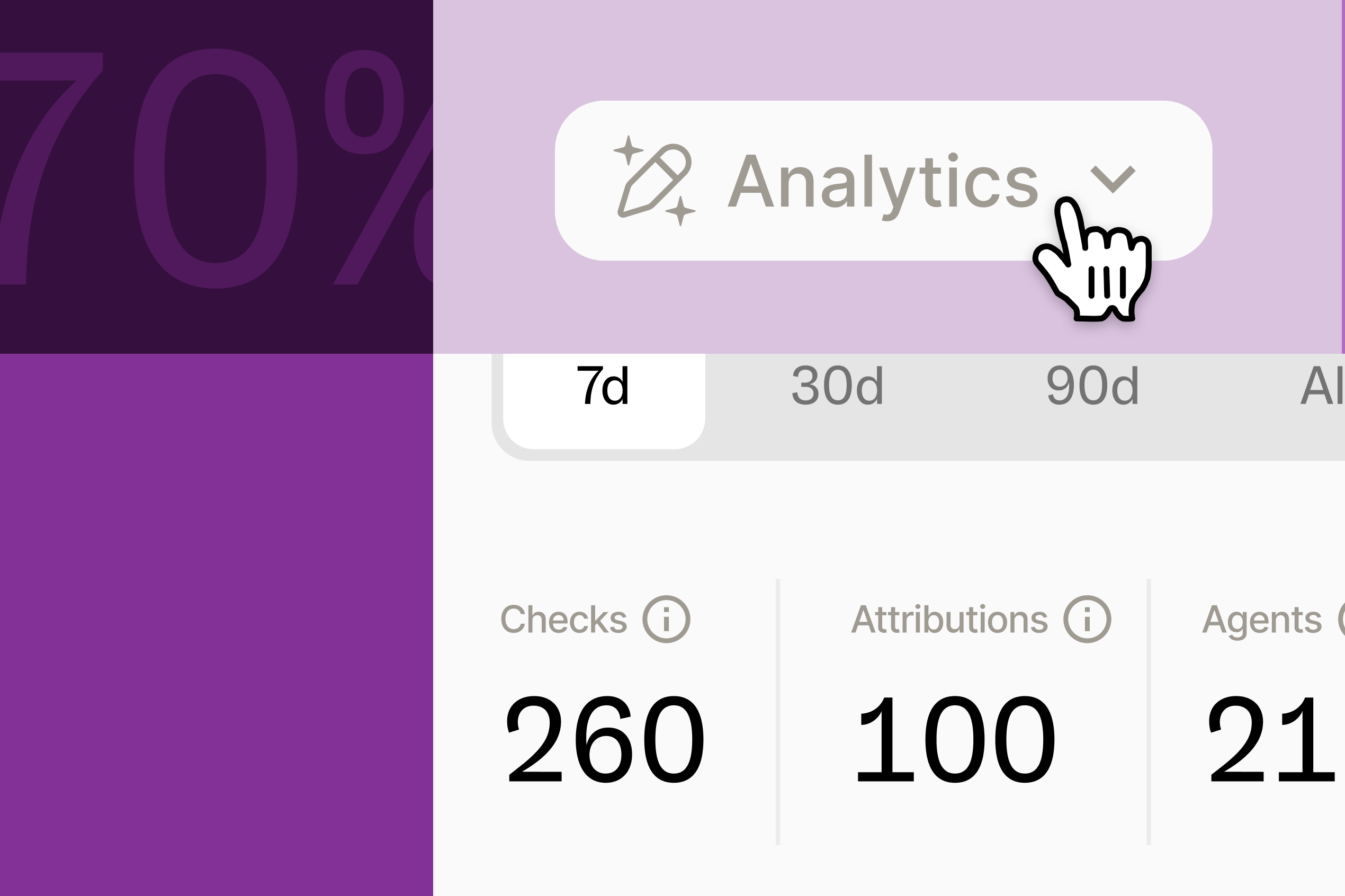
Whoever — or whoever’s agent — takes one of those actions, it shows up in Ditto's running activity log. Every action tied a teammate, or a teammate’s agent.
Here's what it actually looks like to use.
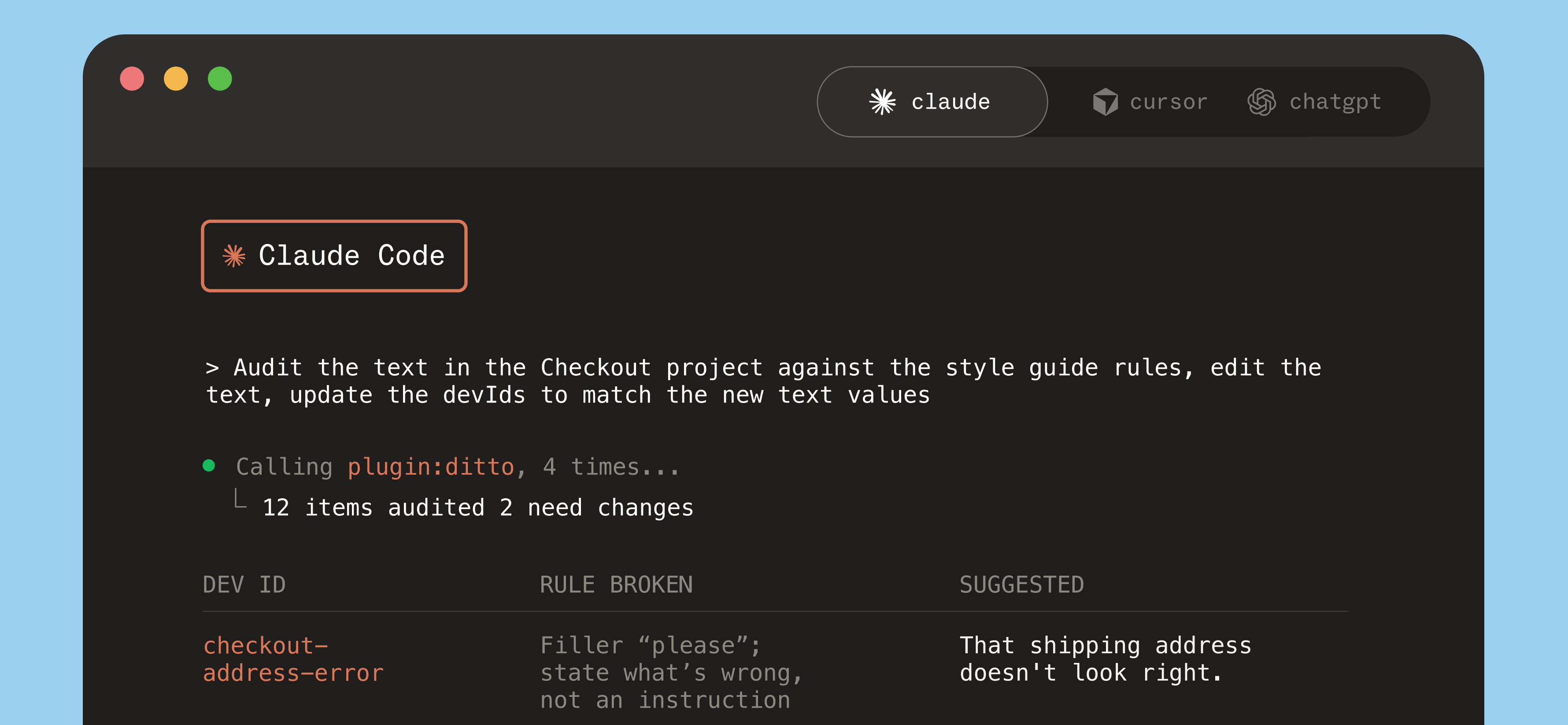
Agents are good at exactly the work that's tedious for a person — doing something in bulk, comparing across dozens of items at once, making a lot of small, low-level calls one after another. An agent can move through that fast. And because it's referencing Ditto as the source of truth and writing back to it, none of that work gets stranded in a chat window or an individual AI prototype. It lands in your actual system of record.
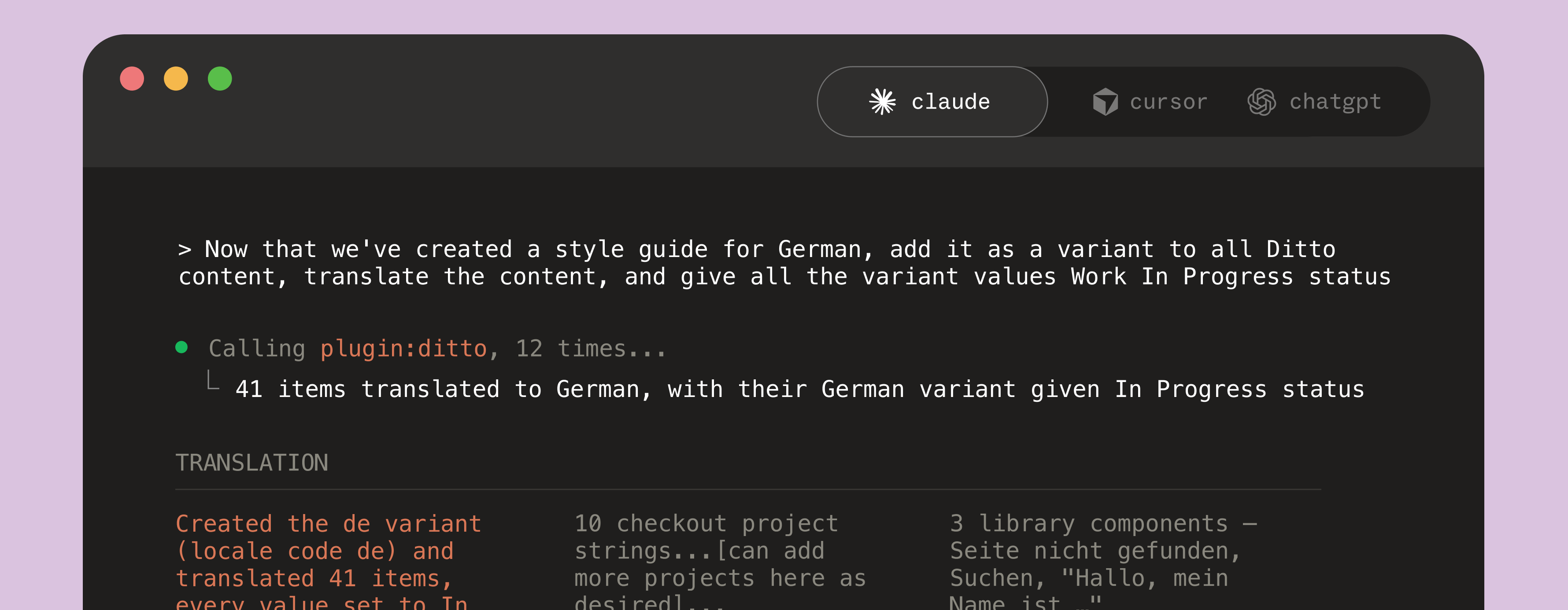
A few real examples of what an agent can do, on your behalf:
Every one of those still lands in the activity log. However the work got done, you know exactly who made the change.
—
This is just a few things you can ask an agent to do for you in Ditto. This makes it easier to generate better product copy from the start, which means your team can get to final faster. It also makes it easier to refine and iterate on the system as you use it, so you have living context that improves alongside you. No more one-off skills or manual file updates, just a two-way handoff between Ditto and your AI agent.
If you haven't connected the Ditto MCP yet, setup is one command. Get started from Ditto’s developer documentation. Or if you'd rather see it live than read about it, book time with us.