Style Guide Analytics: Now Tracking Human and Agent Usage
Ditto Style Guide Analytics now tracks agent usage alongside human usage, down to the individual rule — so you can see exactly which guidance is working, who's using it, and where it needs work.
A few weeks ago, we chatted with a content designer whose team is going deep into agent-led workflows. They're iterating and shipping faster than ever, but speed without guardrails has started to erode content quality.
"There's no content review step in the process right now. I would hope to be able to see at a 10,000 foot view what's getting shipped, how well it's meeting our standards, catch any violations — and I just need a window into that. I don't have one right now."
This is the new challenge for anyone responsible for product copy: How can I extend my own bandwidth, and be confident that the guidance I'm trying to automate is actually working?
Introducing Style Guide Analytics
Earlier this year, we shipped style guide analytics — real usage data sitting on top of your style guide.
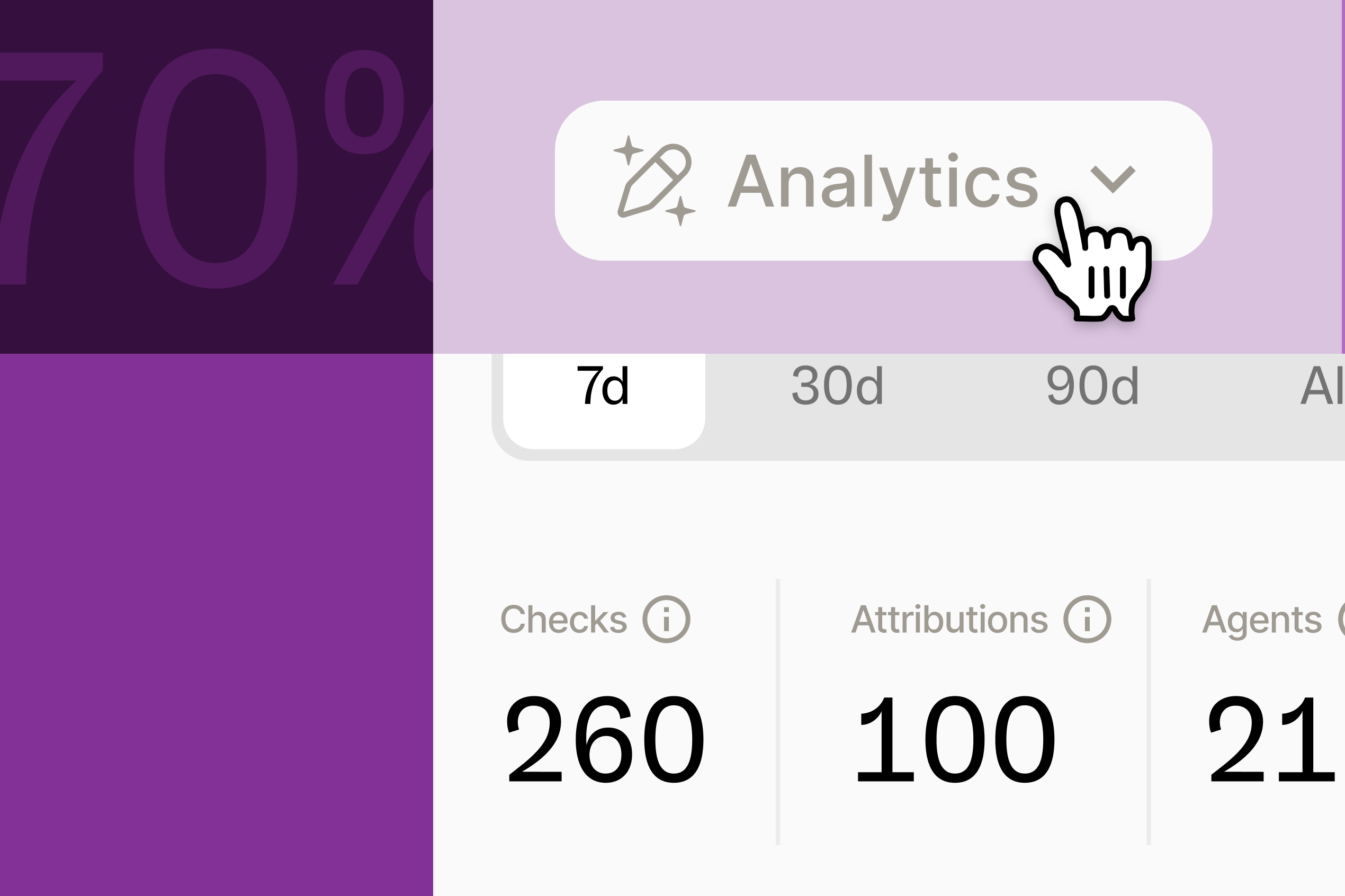
Now, in every Ditto workspace, you have visibility into how your style guides are being used: how many checks ran, how often a suggestion triggered, and how many of those got accepted. For the first time, a style guide stopped being a document you hoped people read and became something you could actually watch in use.
Now, we've taken it a few levels deeper.
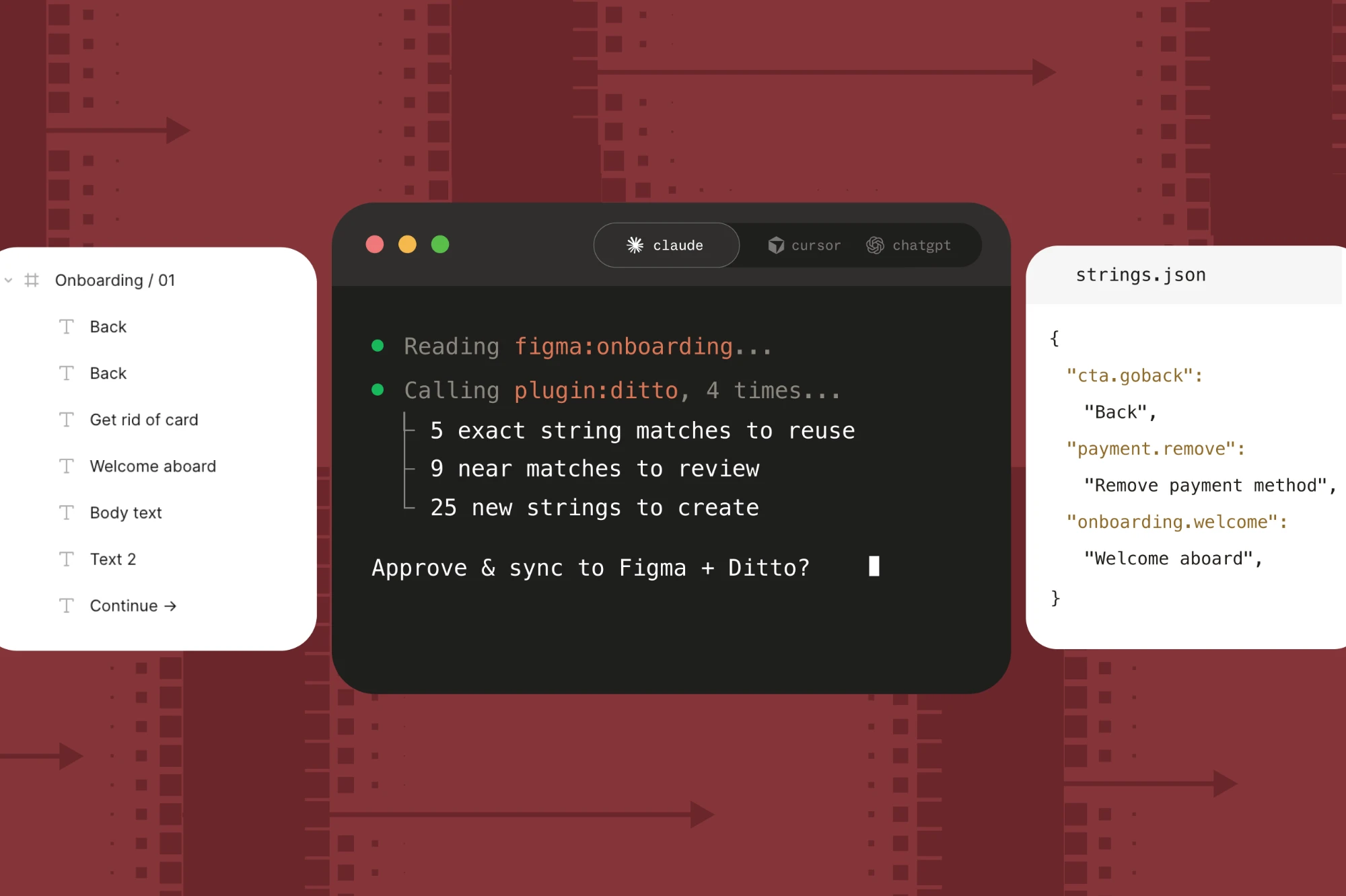
First: style guide performance metrics directly capture agentic usage alongside your style guide performance numbers. Ditto now tracks how many times an agent has referenced a rule or a style guide — for editing, drafting, or translating text. The system counts every time an agent pulls a rule through Ditto MCP to draft or check copy, alongside the human usage metrics.
Second: every metric you already had at the style guide level — checks, triggers, acceptance rate — is tracked and shown at the individual rule level. Review overall performance, then see which specific rules are working, and which ones need to be reworked.
Put those together, and you get the full picture in one place: which specific rules your team is using, which ones your agents are using, and where the two overlap or diverge. You can better understand how your team (and your team's agents) are using the copy guidance you've built in Ditto. This visibility gives you the tools to track the impact of your style guidance, and prove the value of the system you've built.
Proving the value of guidance
Nearly every team has some level of style guidance for product copy — whether it's still a style doc pinned in Notion, a Claude skill, or a GitHub checker. This guidance is crucial, but without any way to evaluate how well it's working, is it really pulling its weight? You can't prove that it's being used, much less that it's moving the needle.
But with analytics, you can measure the impact of your style guide. Which means that you can take a quantitative approach to refining and improving it, as your team actually puts it to use. A rule with hundreds of agent checks and strong acceptance is doing its job. A rule that's high-traffic for your humans but invisible to your agents tells you something too — maybe it's buried, maybe it's phrased for a person and not a prompt. You couldn't see that distinction before. Now it's there, on the rule itself.
You can keep improving your copy guidance and build on the system as you use it, with real-time performance metrics on what actually moves the needle. Now you can see exactly how — and by whom — every piece of it gets used. Because your style guide was never meant to just be a reference doc. It's infrastructure.
Rule-level and agent usage analytics are live now in your Ditto style guides — log in to get started.
Latest