
.png)
Now in Beta: Magic Draft, your built-in writing partner — right inside Figma
The only generative AI built to write product copy with context, in context – now in public beta for all Ditto workspaces.
We’ve spoken to plenty of content design teams trying to keep up with the pace of product delivery through custom GPTs or homegrown solutions. But AI output is only as good as the context that informs it. Most generative AI is trying to write product copy with a tiny slice of the story: a few screenshots, maybe some rules, and bullet points from each individual teammate's perspective. It doesn’t have the full design context. It starts from scratch every session. And it doesn't enforce the system you’ve built to write better copy.
Then comes the copy-paste game — trying to get half-baked output back into the right spot, reviewed (again), and tracked for visibility.
For AI to actually be a team's writing partner in pace and quality, it needs to live inside the system where the context, decisions, reviews, and the rest of your strings already live.
So that's what we built.

Introducing Magic Draft
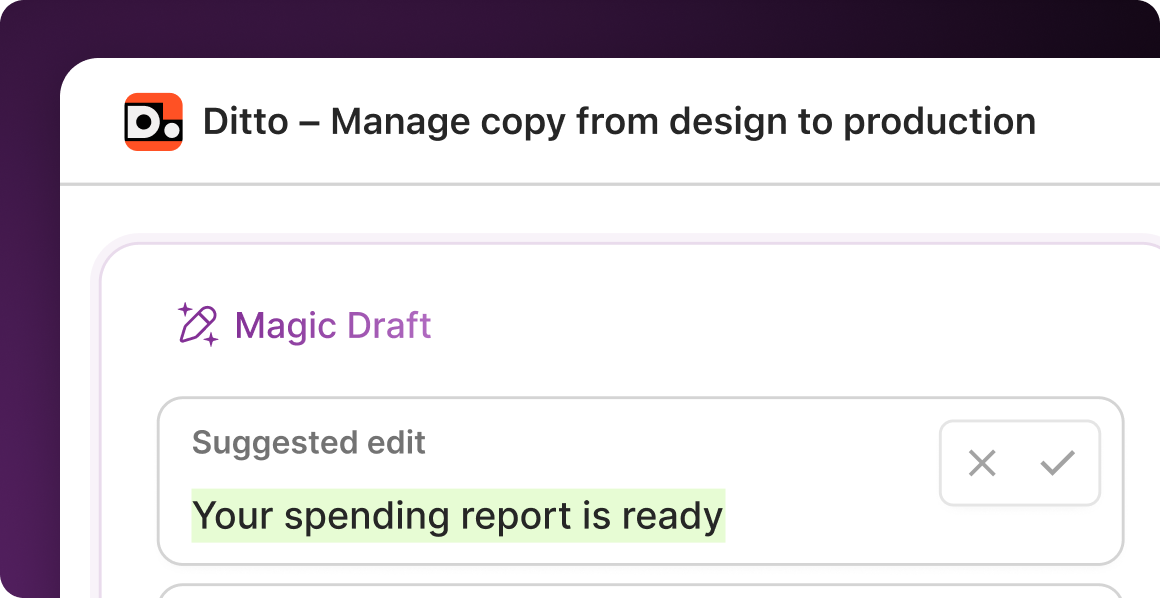
Magic Draft is Ditto's generative AI tool, built to draft product copy inside your designs. Turn placeholder copy into first drafts with just a click, written with only the context you've built out in Ditto. Write better first drafts, faster, while you reinforce your copy system — all without leaving Figma.
An AI writing tool, right in your workflow
"It's hard to put our whole design into ChatGPT and ask it to read everything," one content design manager told us. "Staying within the same flow, in Figma, is easier."
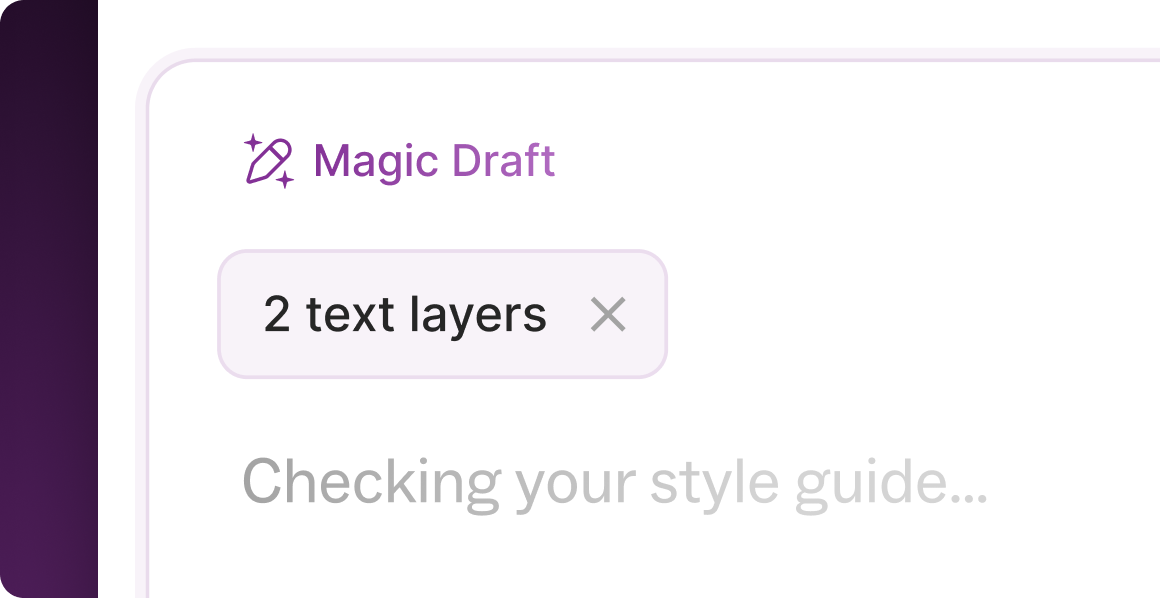
Magic Draft lives inside Ditto’s Figma plugin. No switching tabs. No copy-paste. No wild west of custom GPTs for every team member. Select a text layer, click Magic Draft, and get a contextual first draft in seconds. Accept it, refine it, or regenerate — all in the flow.
And because it's happening inside Figma, it’s embedded in your team’s actual workflow. Lower friction means higher adoption. Higher adoption means better copy quality across your org.
.png)
AI that sees the whole picture
Generic AI is a black box. Magic Draft is a precision tool.
Magic Draft works with all the context you build, anywhere you build it — the full designs, every style guide rule, every past product copy decision you’ve saved in Ditto. It pulls from these inputs for every output: Starting with your input prompt, then the selected Figma screen, then Ditto metadata (like tags and text styles), other nearby text, any approved text in your Ditto projects and library, and your style guides and rules.
Better inputs, better outputs. From the first suggestion.
The result? Error states that match your voice and tone. Buttons that match established patterns. Disclaimers that follow compliance rules. Copy that reflects how your product actually talks.
The system that gets better as you work
Magic Draft isn't a one-off generator. It's a self-reinforcing system that learns what "good" looks like for your team.
As your team accepts copy suggestions and those get added to Ditto, Magic Draft's context hierarchy incorporates those decisions. Unlike a static system prompt, this is a living system that evolves with your product.
And when Magic Draft finds copy in your library that matches what you're drafting, it recommends pulling in that existing component instead. Fewer near-duplicates. Stronger governance. A content system that reinforces itself.
"I can't be in all the Figma files," one content designer explained. "Magic Draft duplicates me into those different teams, with AI that's using my brain and my knowledge… then I can just come in at the end and fine-tune it."
How you can use Magic Draft
- Write an error modal (or any other UI element) in seconds. Stop staring at an empty state wondering what your error copy should say. Select the text layer, click Magic Draft, and get a first draft that already matches your voice, tone, and legal language. Refine from there.
- Write supporting copy in bulk. Multi-select all the text layers that need copy — labels, helper text, button copy — and let Magic Draft write first drafts in bulk. Write a full screen in seconds, not hours.
- Bring copy up to style guide standards. Use Magic Edit quick actions to check spelling and grammar or shorten text on the fly. Stay in the flow while you polish.
- Identify and replace placeholder copy across your file. Design iteration no longer depends on copy availability. Draft copy as you design, to get to final faster and avoid old-fashioned waterfall processes.
Read more about how to make the most of Magic Draft in Ditto's help center.
Get your own AI writing companion
Automate the repetitive product copy workflows, and let AI scale the system you’ve built, to maintain the control you need while matching the speed your workflow requires.
Magic Draft public beta is now available in all Ditto workspaces. Log in to get started on your own, or book a custom demo to see how Magic Draft could work with your team’s own data.
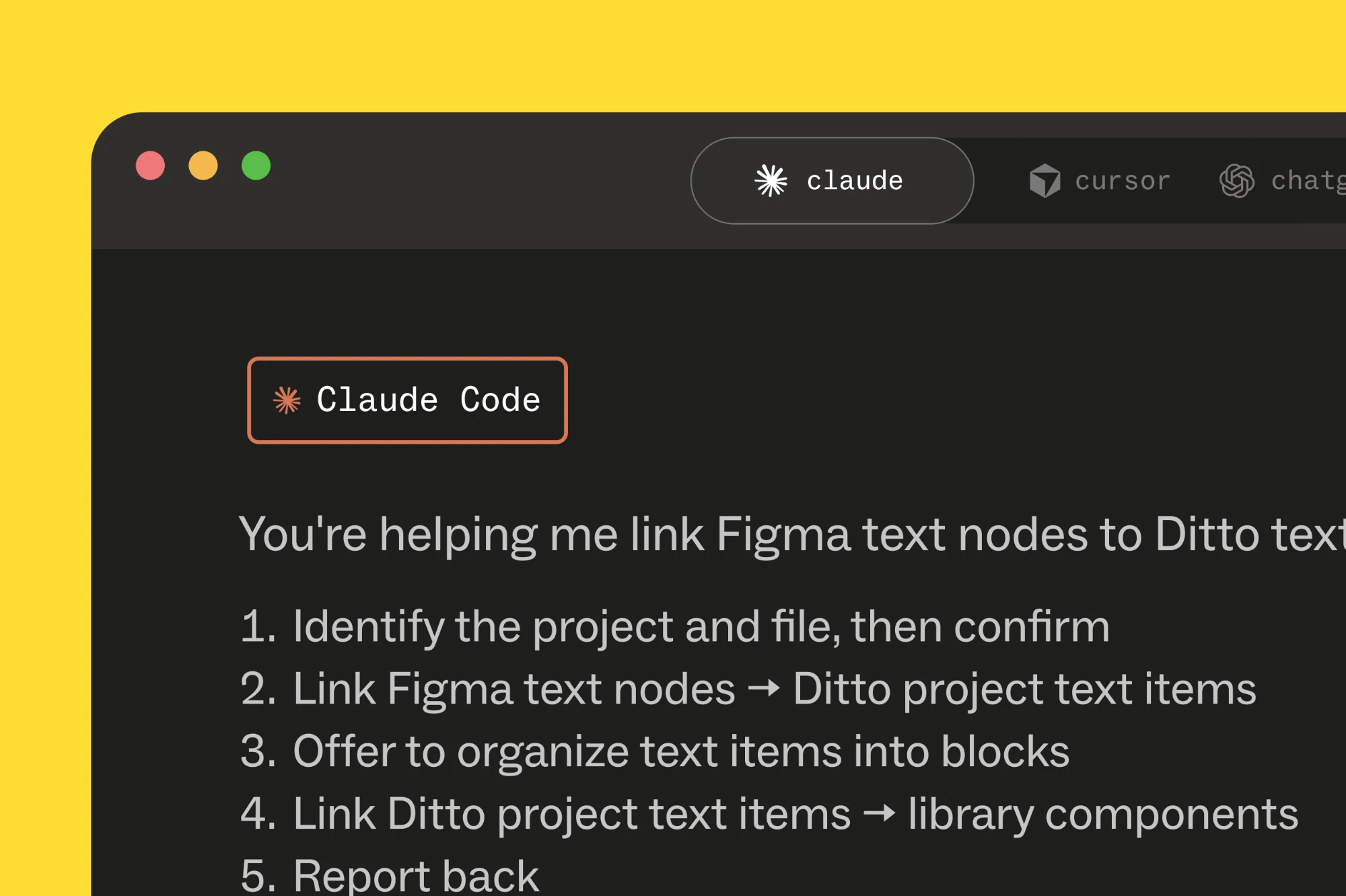
Note: We’re building Magic Draft to work wherever your team works, even if it’s not Figma. designing with Claude Code or another AI tool? Reach out to learn more about how Magic Draft could work for your team’s workflow.