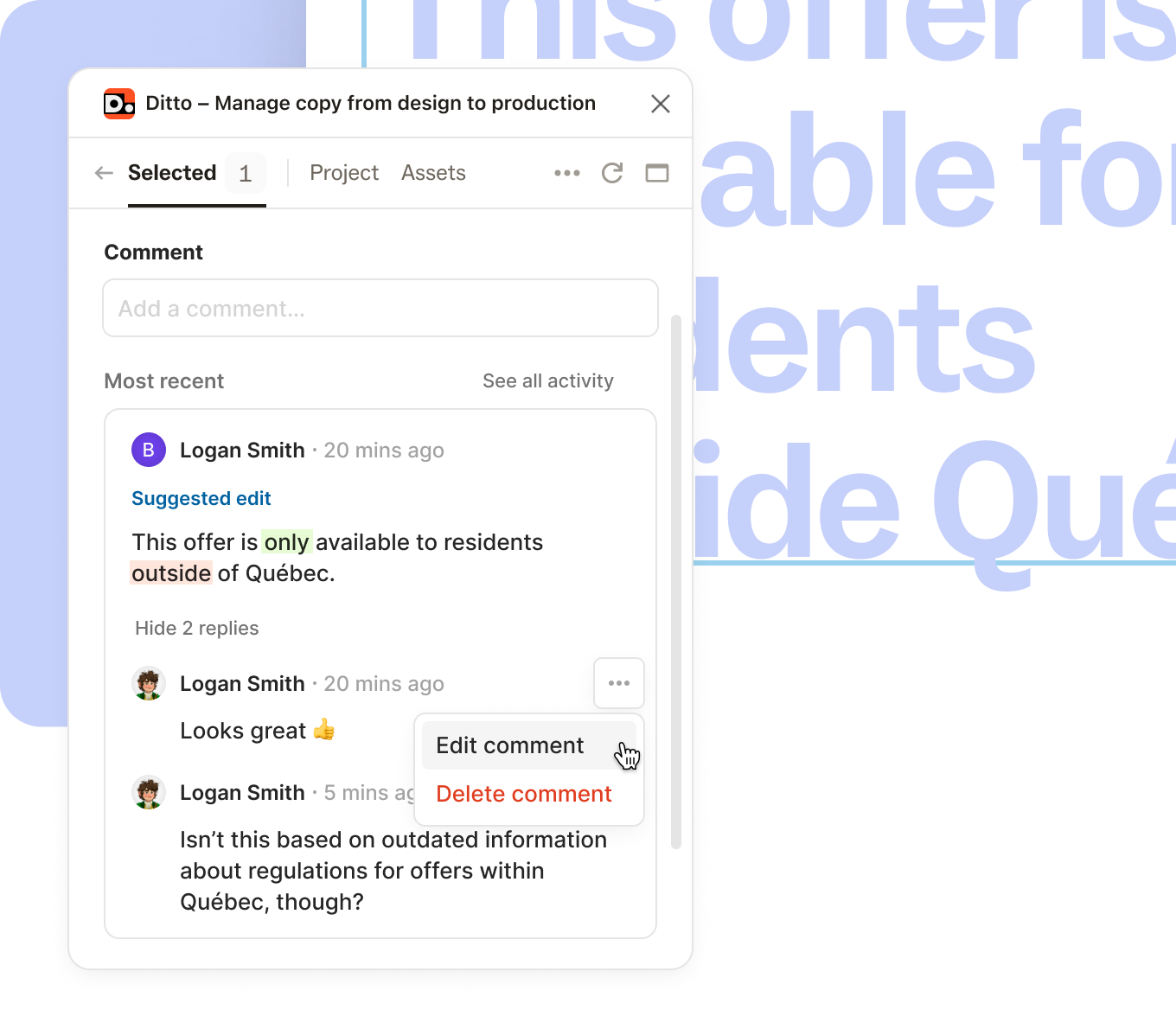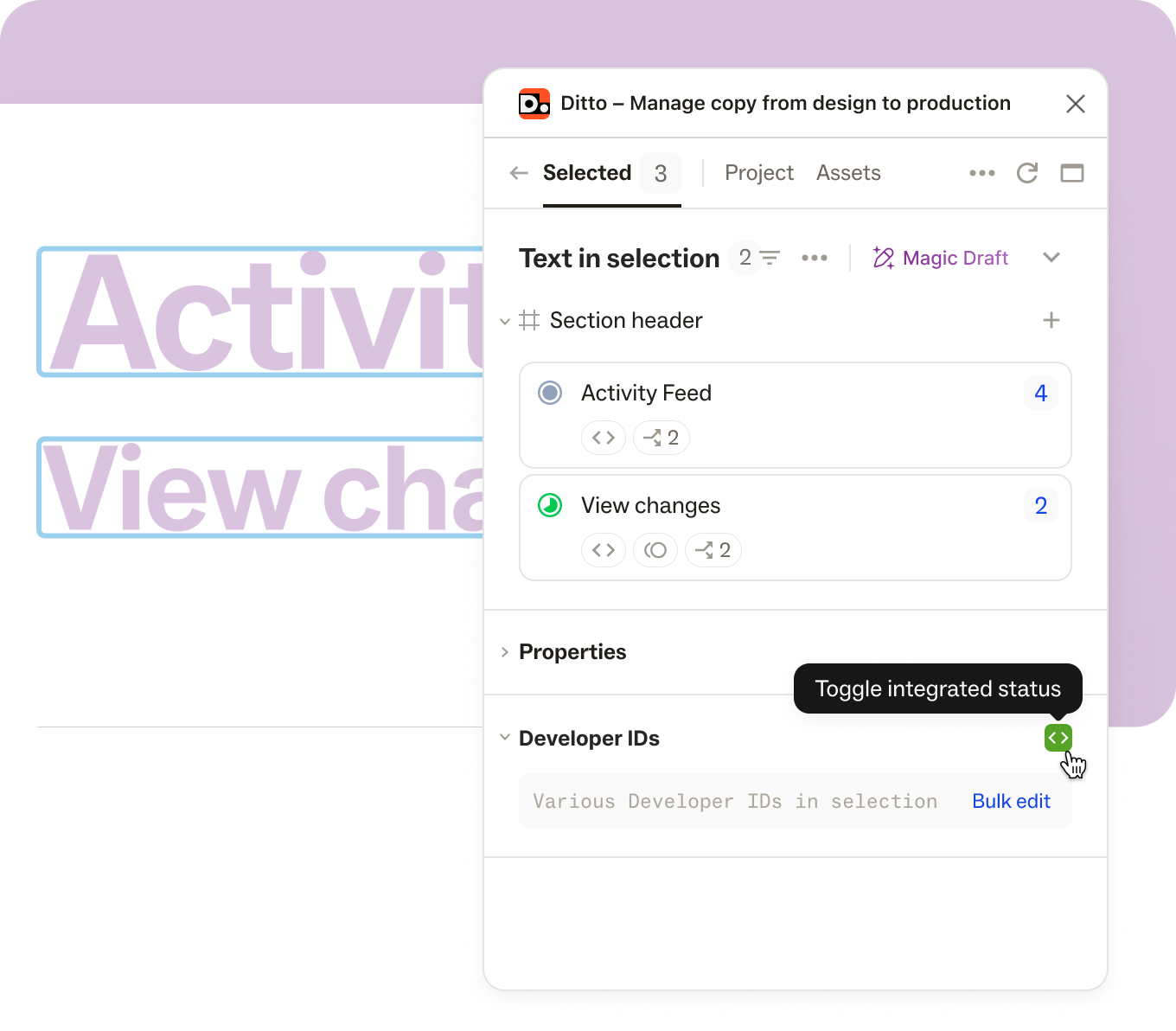
Setting up a Ditto project and importing copy shouldn't stand in the way of your work. Now, you have access to all of the functionality in Ditto (status, commenting, AI-enforced suggestions from your style guide)—without needing to import text or create blocks first.
- In the plugin's “Selected” tab, we’ll show all text layers in your selection. If a text layer isn't linked to Ditto, it’ll show up with a dashed outline.
- Once you take action on a text layer with the plugin (whether by editing the text, leaving a comment, setting a status, etc.), Ditto will handle the import for you by automatically creating a new text item in the Ditto project and linking the text layer to it.
You can still do all of the same manual setup actions as before (create text items, create blocks, link text layers to existing text items), but you don't have to, and it won't block you from getting started.