


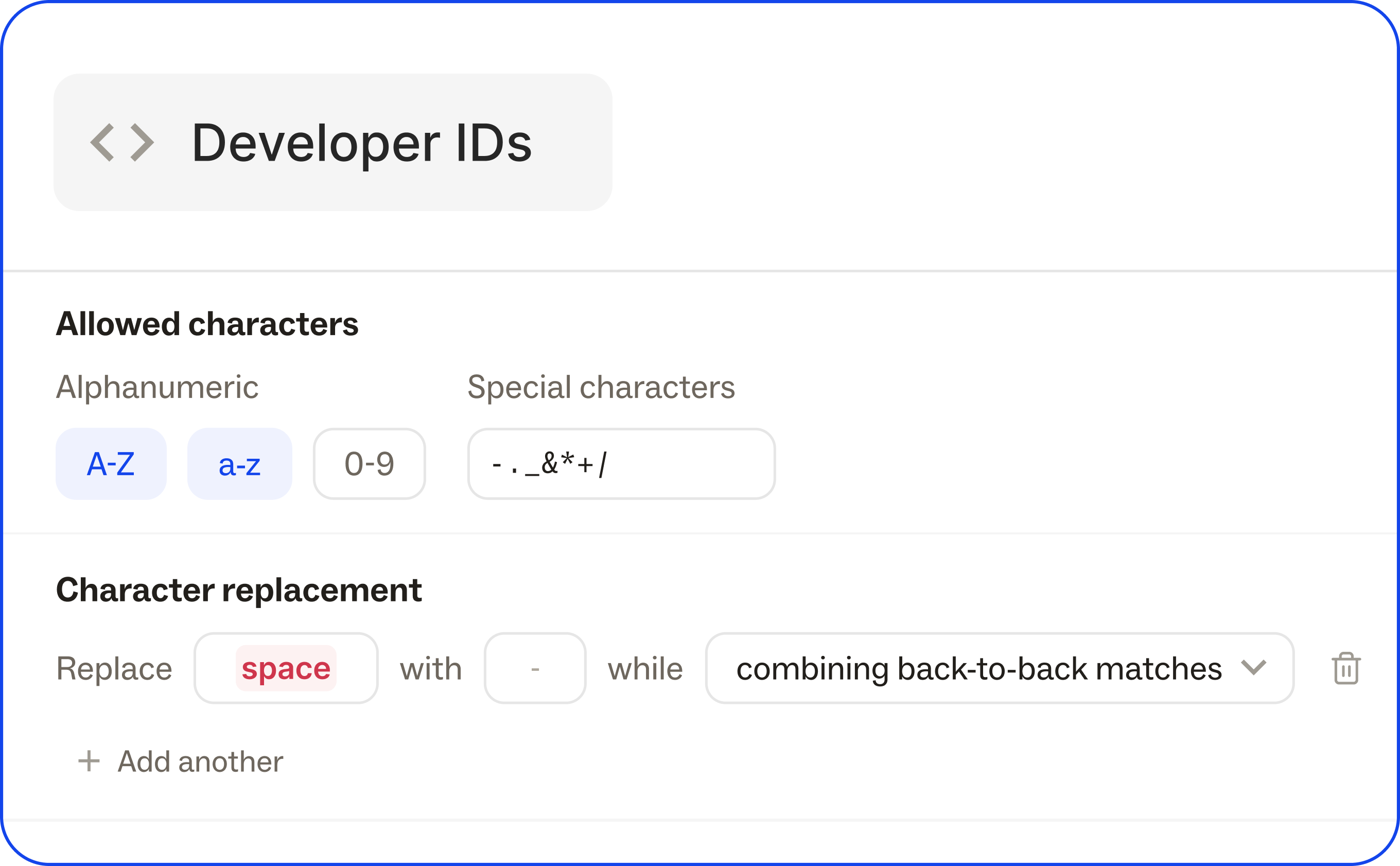
Define how developer IDs are generated across the workspace — separating the format rules from the IDs themselves.
Define Dev ID characters and casing, set up universal character replacements, and set character limits, to enforce consistent ID formats with a system to generate correctly from the start.
Head to the Developers page in the Ditto web app to configure Dev IDs.
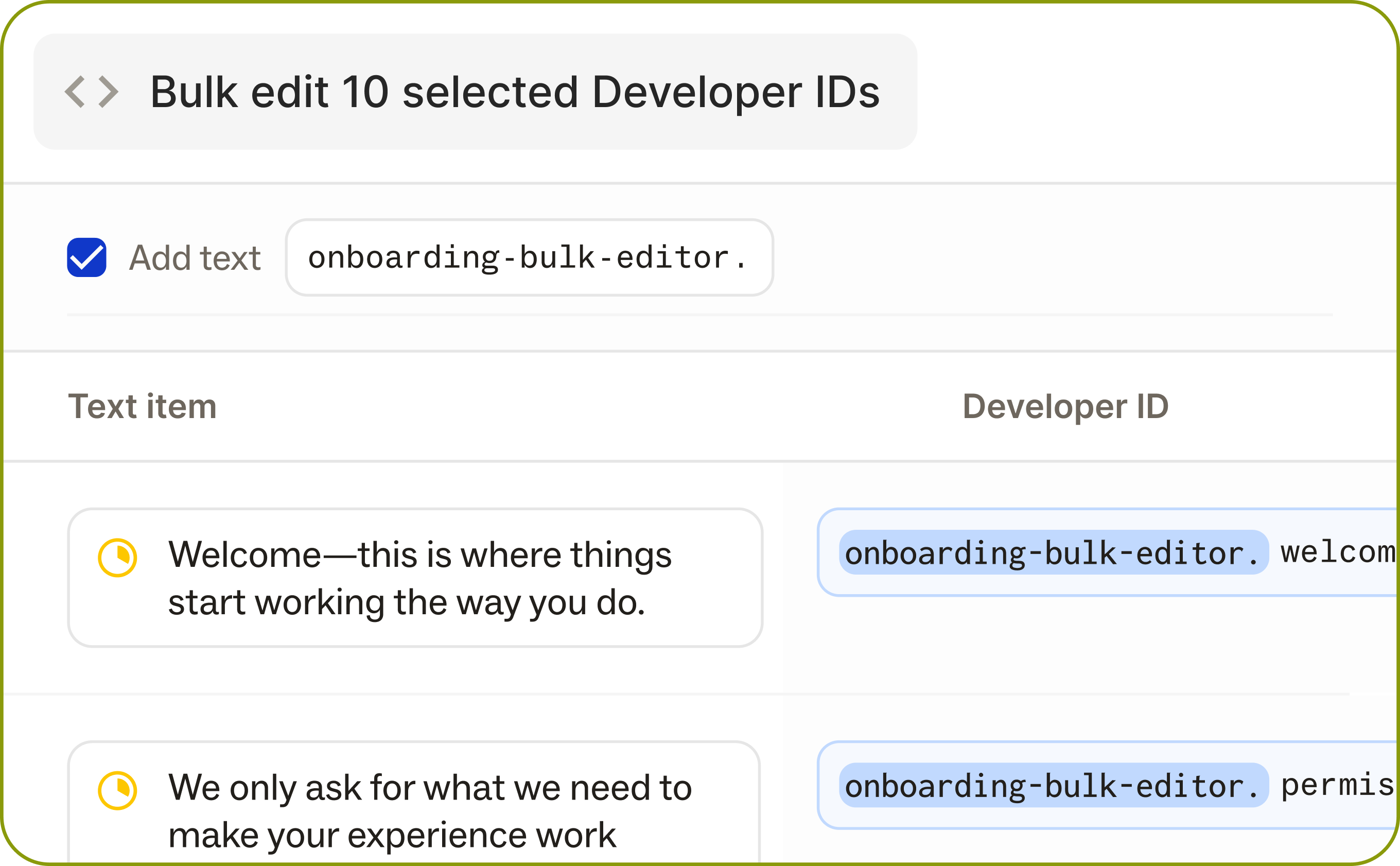
Multi-select text items or library components, and edit developer IDs in bulk with a new UI in the Ditto web app. See multiple Dev IDs from one screen, edit all of them at once with a prefix field entry, set bulk character limits, or add a prefix to all fields.
This makes it easy to work through edits quickly, across project areas or specific features, without being bound by workspace-level configuration.
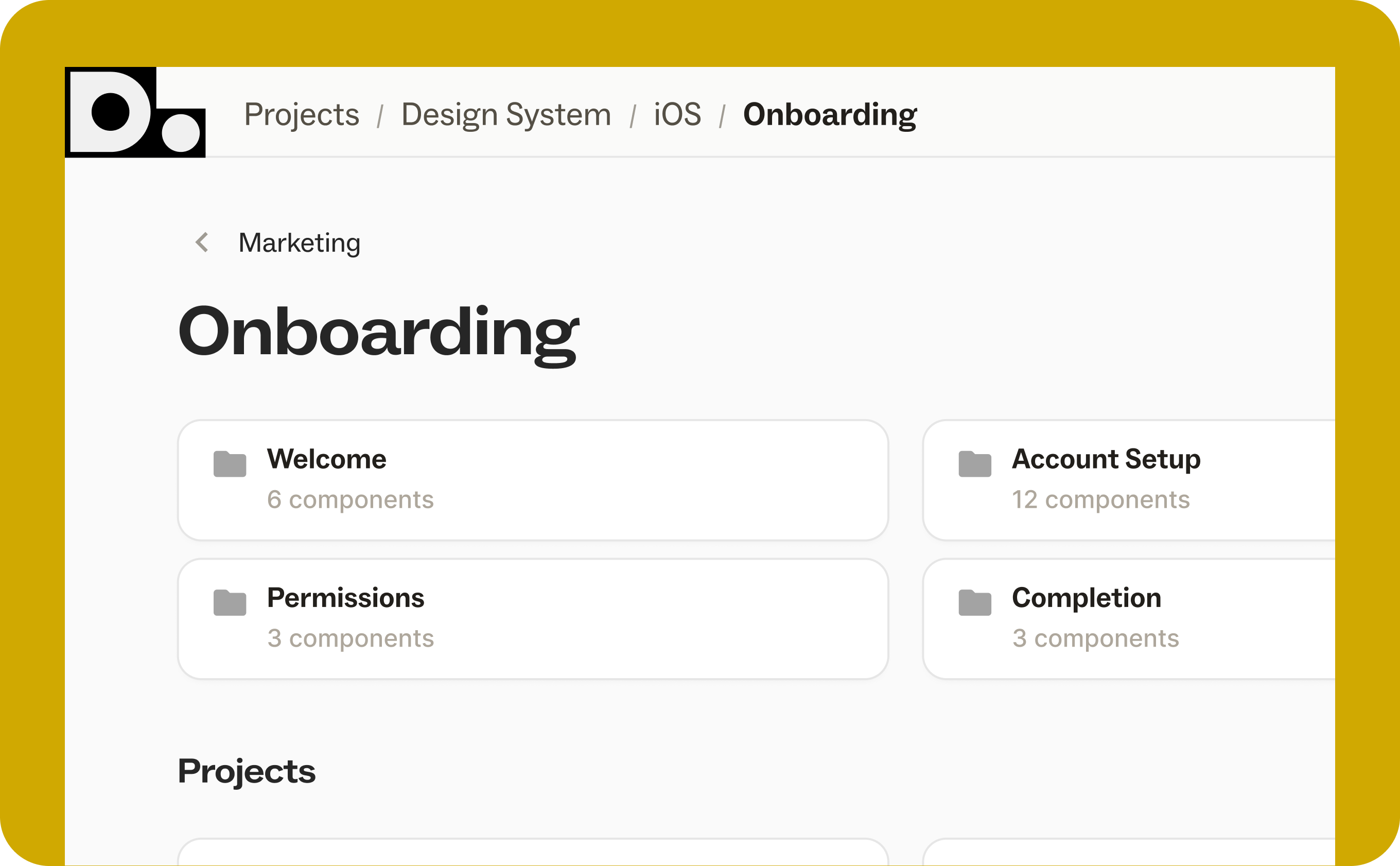
Nested Folders
Organize projects into nested folder hierarchies. Create, rename, move, and drag-and-drop folders. Breadcrumbs keep you oriented. Permissions inherit from root folders automatically.
Ditto Reviewers Can Now Suggest Edits
Users with comment-only access can now submit suggested edits on text items in Ditto. They can switch to suggesting mode, and accept any existing suggestions, but those accepts will stay as a suggestion rather than being directly applied.
Variant Search
When you're viewing a project with a variant selected, search and filters will now match against that variant's text — not the base copy. This should make Ditto’s search functionality much more useful for localization projects.
API Enhancements
We've been shipping a lot of updates to our API as we've seen teams deepen their integration with Ditto, making product copy workflows more flexible and more connected.
assignee, tags — Pull filtered content via the CLI using AND/OR tag logic. Makes it much easier to sync only the copy that's relevant to a given surface or team.Plurals field added to text items and components.json ICU, .json Vue I18n, iOS .strings, .stringsdict, and .xml via the new GET /v2/textItems/export and GET /v2/textItems/export endpoints