


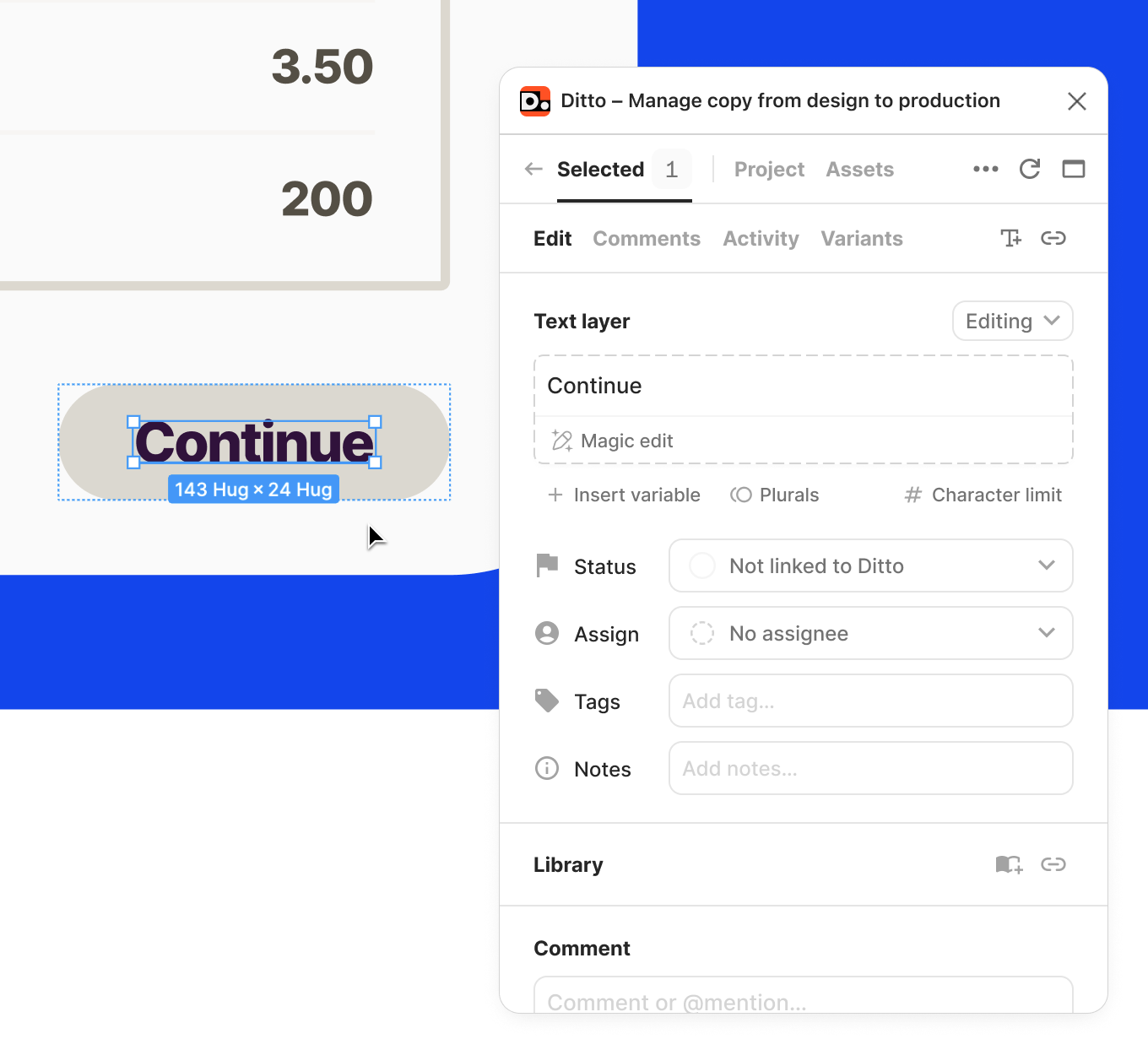
Setting up a Ditto project and importing copy shouldn't stand in the way of your work. Now, you have access to all of the functionality in Ditto (status, commenting, AI-enforced suggestions from your style guide)—without needing to import text or create blocks first.
You can still do all of the same manual setup actions as before (create text items, create blocks, link text layers to existing text items), but you don't have to, and it won't block you from getting started.
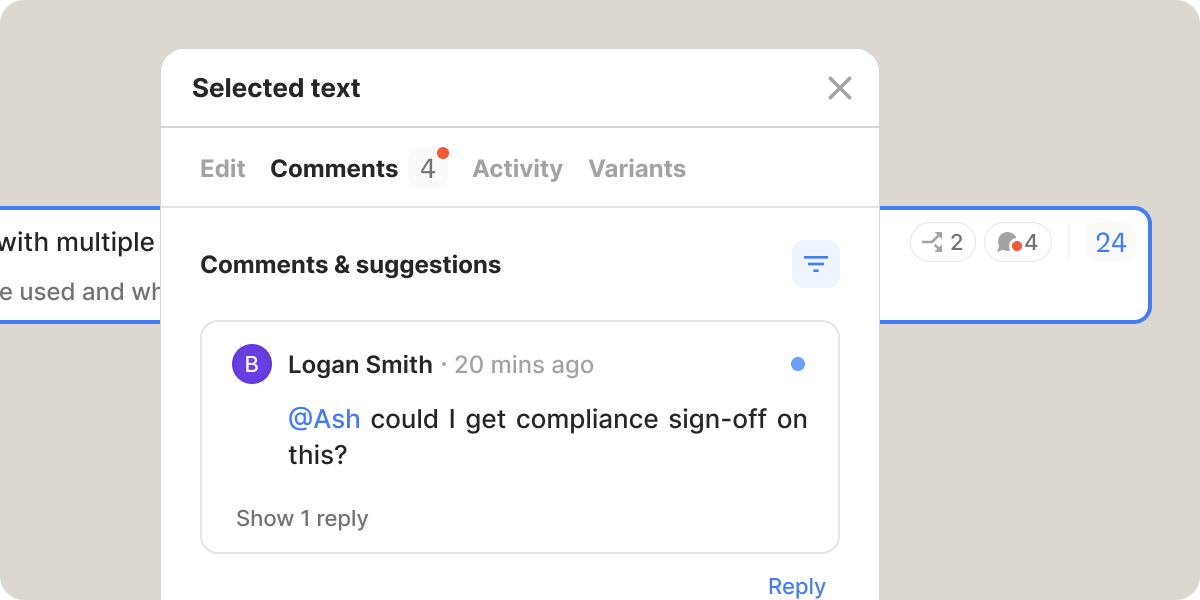
We’ve made conversations much easier in Ditto, with improved usability and actionability of comments in Ditto. This includes better read/unread indicators, clearer visibility of unread comments, and improved filtering to find your comment threads faster.
Webhooks are now available for all new Ditto projects! Now, developers can get real-time updates on changes in Ditto. Configure which updates you want to send, for which projects, all within Ditto. Read the details in our new developer documentation.
Also, ICYMI: New Ditto branding has made it into production 🥳
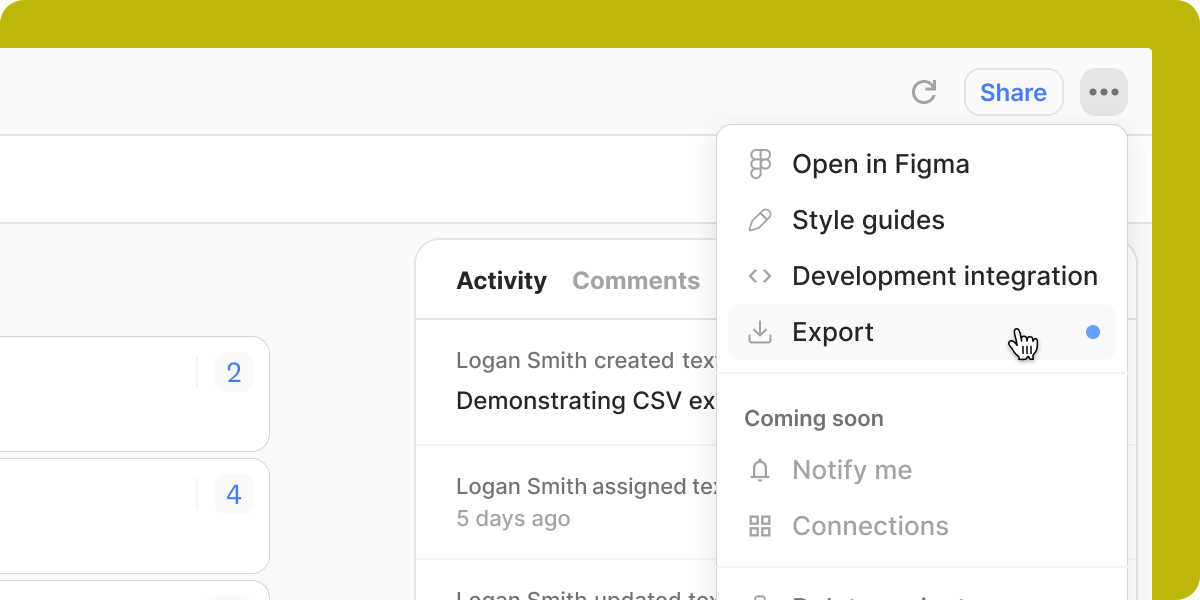
CSV export is now available for legacy and new Ditto projects: Just select the dropdown menu at the top right in the web app to export all the text in that project.